







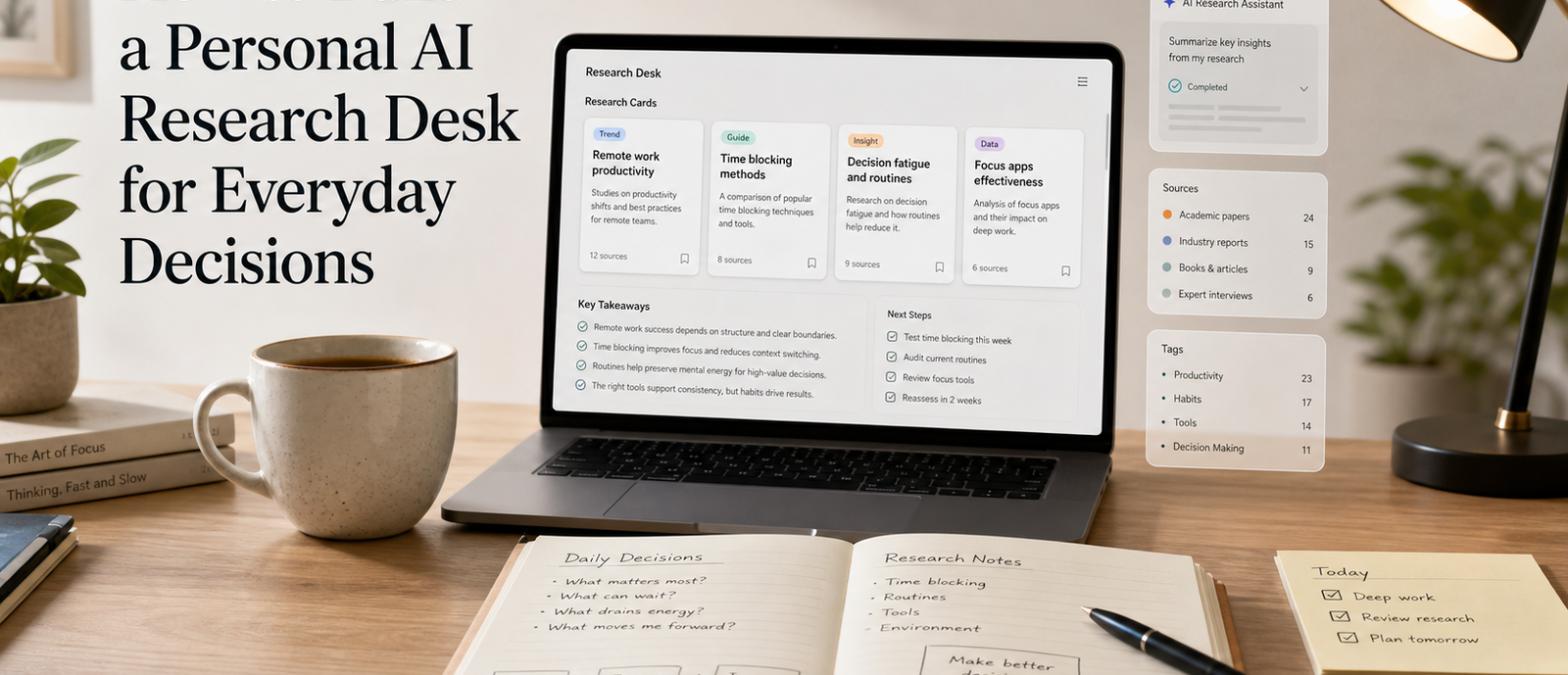
A personal AI research desk is not another app stack to admire from a distance. It is a small working system for collecting questions, gathering sources, comparing options, and turning scattered information into decisions you can trust. The idea is useful because everyday decisions have become information-heavy: choosing software, planning travel, learning a new skill, comparing devices, or understanding a policy can all send you through dozens of tabs before you feel ready to act.
The goal is not to automate judgment away. The goal is to give your judgment a cleaner place to work. AI can summarize, sort, reframe, and test assumptions, but it performs best when you give it a stable process. Without that process, the same tool becomes a stream of detached answers. With a research desk, each answer has a place to land, a way to be checked, and a route toward a practical next step.
Start With Decisions, Not Tools
Most people start by asking which AI tool they should use. A better opening question is what kinds of decisions keep creating friction. Your research desk should be shaped around those repeated moments: comparing several options, understanding unfamiliar topics, checking whether a claim is reliable, or turning vague curiosity into a plan. When the system begins with decisions, tool choice becomes less dramatic and easier to adjust.
Write down five recent decisions that took more time than expected. They might be personal, professional, or creative. Then describe what slowed you down. Was it too many sources, unclear criteria, weak notes, missing context, or a lack of confidence in the final choice? Those patterns reveal what your research desk needs to support first.
- Questions that need several sources before you can trust the answer
- Comparisons where price, time, learning curve, and reliability all matter
- Recurring choices that would benefit from a saved checklist
- Topics where your notes usually disappear after the first search session
Build a Simple Capture Layer
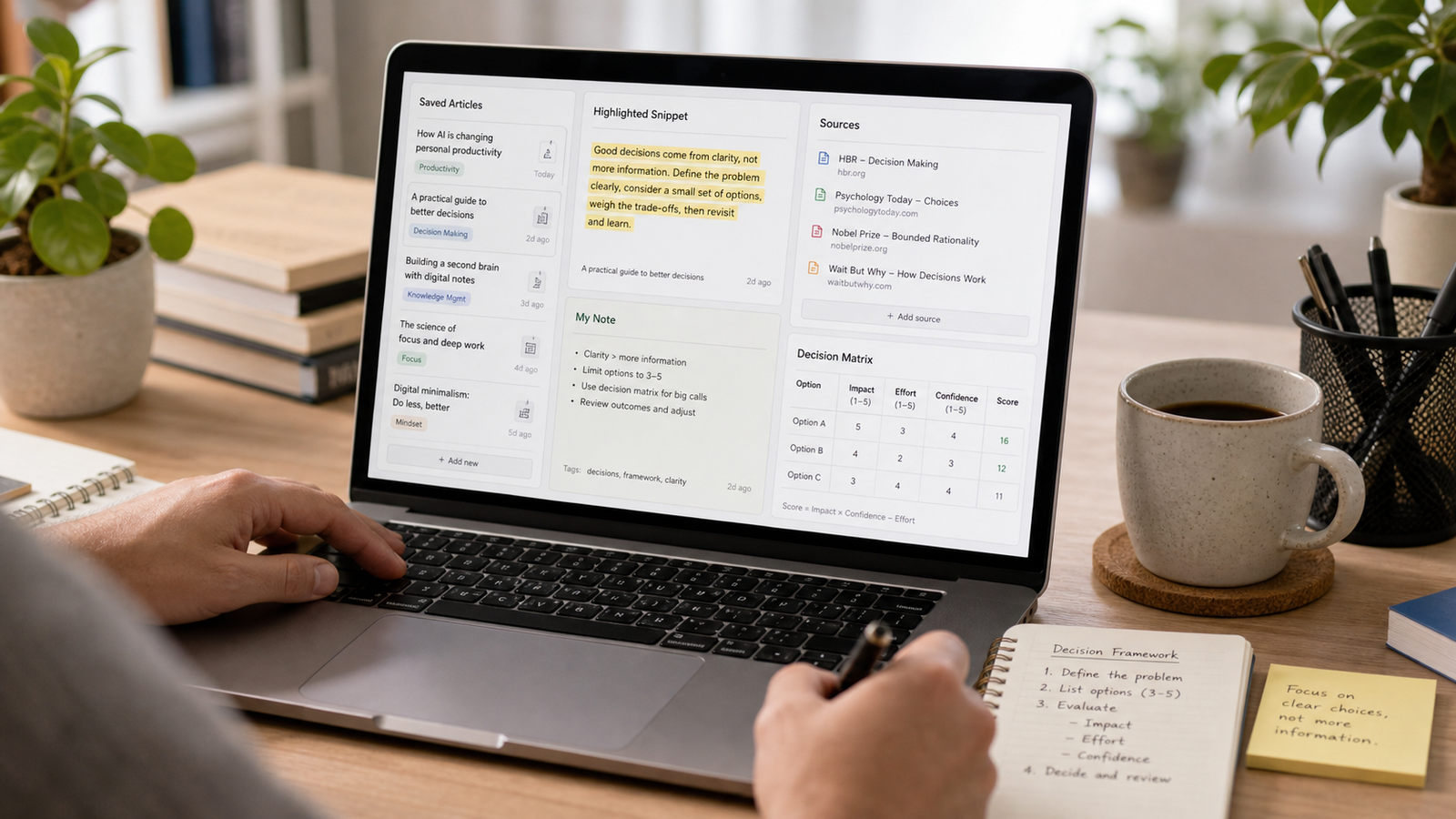
The capture layer is where everything enters the system. Keep it boring. A notes app, a document, a database, or a read-it-later tool can all work if you can save a link, add a short note, and tag the item by future use. The mistake is building a complicated archive before you know what you actually need to keep. Start with the smallest structure that prevents useful material from vanishing.
For each saved item, capture three things: why you saved it, what it might help you decide, and whether it needs verification. That short context note matters more than the link itself. A bookmark titled only by its page name often becomes meaningless two weeks later. A bookmark with a one-sentence reason becomes searchable memory.
Give AI a Clear Role
AI works well as a research assistant when the task is bounded. Ask it to extract the claims from a source, summarize tradeoffs, create a comparison table, generate questions you have not asked, or turn notes into a decision brief. Avoid treating it as the only source of truth. In this setup, AI is the processor, not the authority. Your sources, criteria, and final judgment still matter.
A practical prompt pattern is to provide the decision, the saved context, and the output you need. For example: 'I am choosing between three note-taking workflows. Use the notes below to identify the main tradeoffs, missing information, and a recommended next test. Do not invent details that are not in the notes.' This keeps the response attached to your material instead of drifting into generic advice.
Create a Verification Habit
Every research desk needs a verification habit because AI can make weak information sound orderly. Verification does not need to be heavy. For ordinary everyday decisions, it may be enough to check the original source, compare two independent explanations, look for a date, and mark assumptions that are not proven. For higher-stakes decisions, slow down and use primary sources or expert guidance.
- Open the original source before accepting a summary.
- Check whether the information is current enough for the decision.
- Separate facts, interpretations, and personal preferences.
- Write down what would change your mind.
- Save the final reasoning, not only the final answer.
Use Buckets Instead of Endless Folders
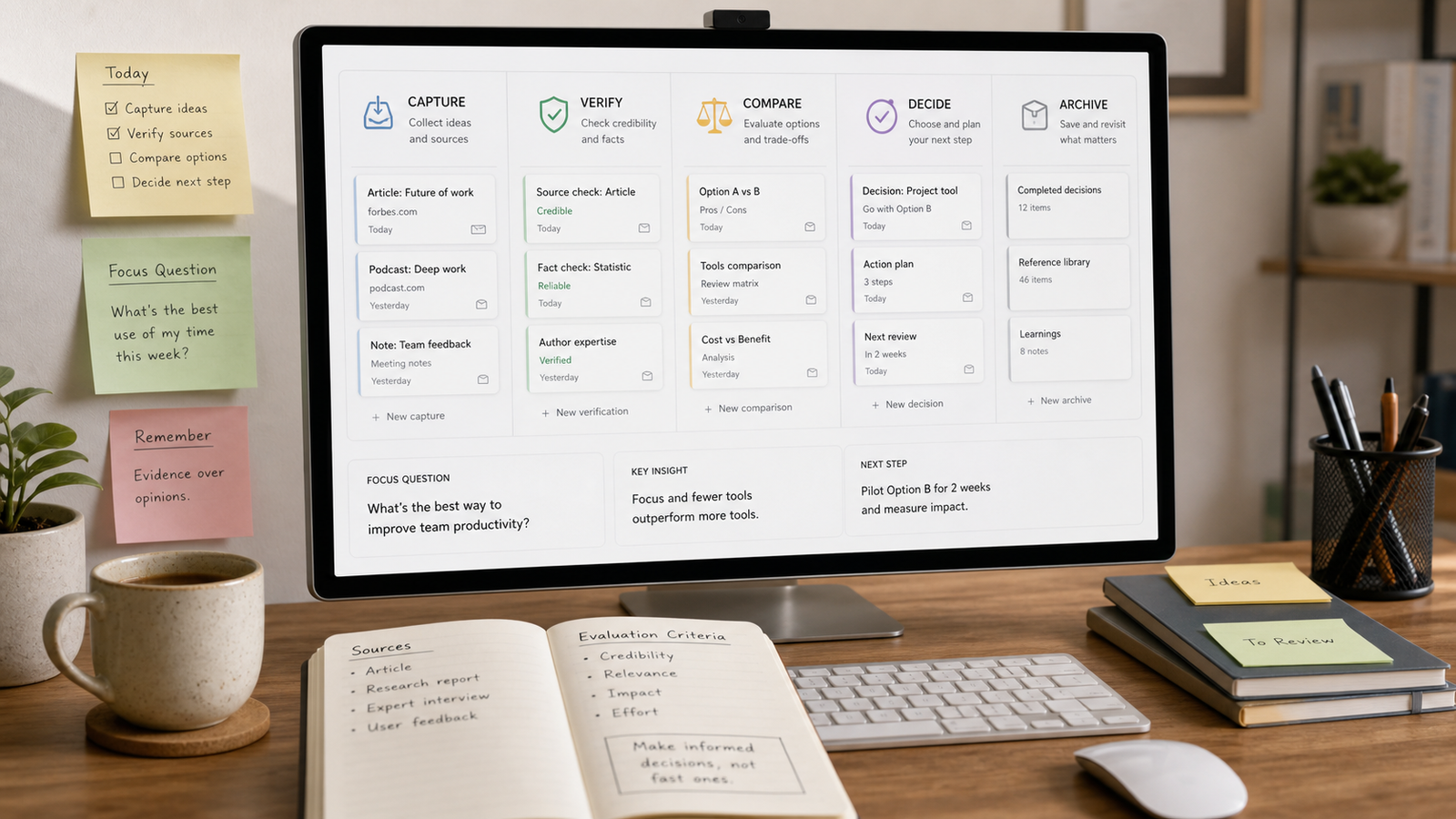
A small set of buckets is easier to maintain than a deep hierarchy. Try capture, verify, compare, decide, and archive. New material starts in capture. Items move to verify when you need to check them. They move to compare when several options need to be weighed together. The decide bucket contains active decision briefs. Archive stores finished work that may help later.
This approach keeps the system active. Folders often describe what something is. Buckets describe what should happen next. That difference is important because a research desk is not a library for perfect organization. It is a workbench for moving uncertainty toward clarity.
Write Decision Briefs
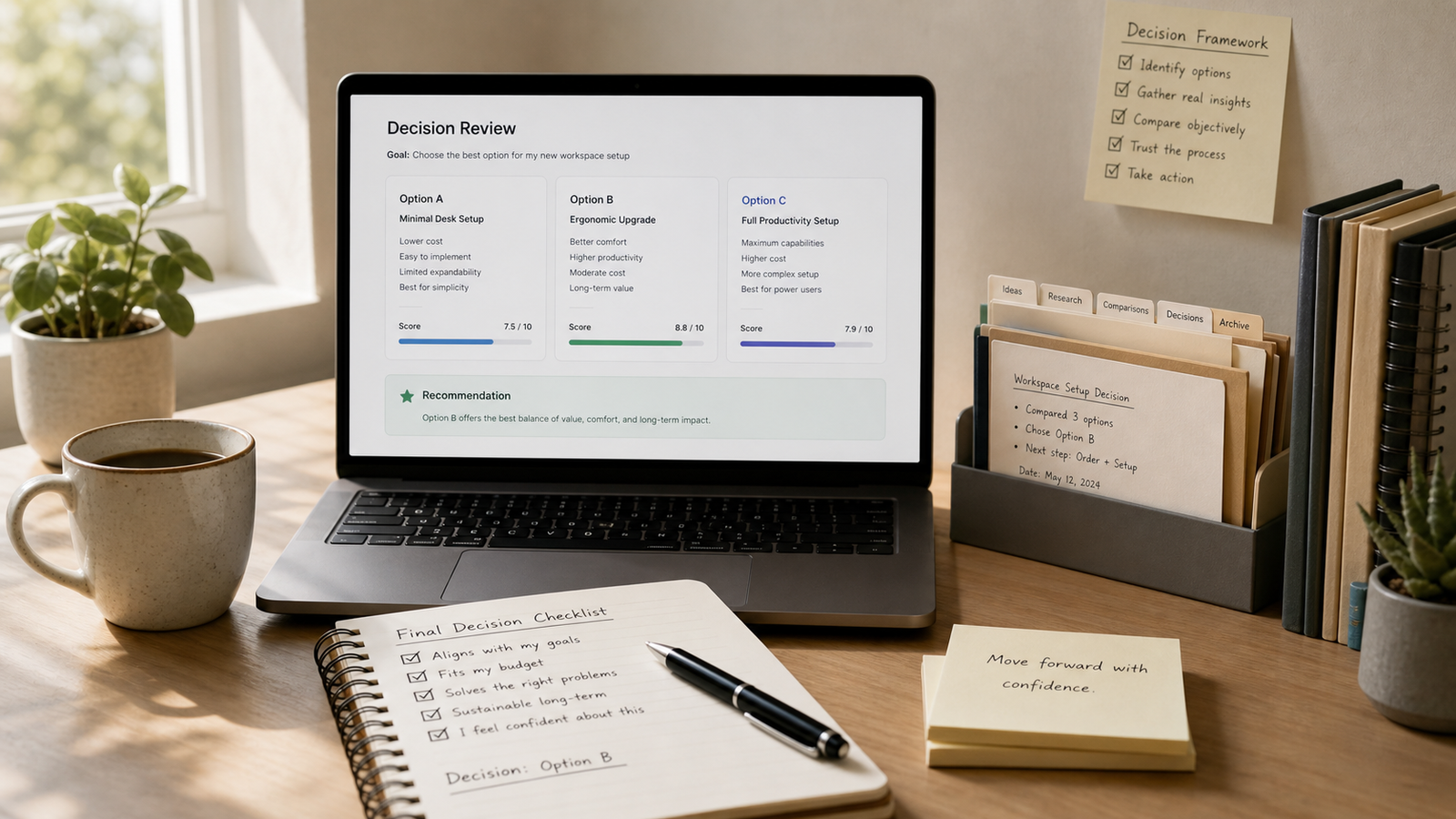
A decision brief is the final output of the research desk. It does not have to be formal. A useful brief includes the question, the options, the criteria, the strongest evidence, the tradeoffs, the open risks, and the next action. If you can read it later and understand why you chose something, the brief is doing its job.
Decision briefs are especially helpful when the choice is not urgent. They prevent you from reopening the same search loop every time a new tab or opinion appears. They also expose weak reasoning. If the brief cannot explain why one option fits better than another, the decision probably needs another test rather than another hour of browsing.
A compact brief template
- Decision: the exact question being answered
- Options: the realistic choices on the table
- Criteria: what matters most and why
- Evidence: the sources or notes that influenced the choice
- Next step: the smallest action that moves the decision forward
Keep the System Light Enough to Use
The best research desk is the one you return to when you are busy. If it requires perfect tagging, long templates, or constant grooming, it will fail during normal weeks. Limit the number of required fields. Review the active buckets once or twice a week. Delete stale material. Merge duplicate notes. Let the archive be useful rather than immaculate.
A light system also makes AI more useful because the input stays clean. Instead of pasting a chaotic pile of notes, you can provide a question, several source summaries, and a clear request. That is enough structure for better output without turning personal research into a second job.
When the Desk Is Working
You will know the system is working when repeated decisions become less noisy. You will spend less time rediscovering the same links, less time asking vague questions, and less time wondering why you chose something. The benefit is not only speed. It is the confidence that comes from seeing your reasoning in one place.
Start with one decision this week. Create a capture note, gather a few sources, ask AI to organize the tradeoffs, verify the important claims, and write a short brief. If the result saves time or reduces uncertainty, keep the structure. If it feels heavy, remove steps until it becomes something you would actually use.
Additional practical notes
The system becomes easier to maintain when every research session ends with a reset. Close unused tabs, move unfinished questions back into capture, and write one sentence about what is still unclear. This habit prevents half-finished research from becoming invisible clutter. It also makes the next session easier because you can restart from a known point instead of rebuilding the context from memory.
A research desk should also preserve uncertainty. Many notes systems only store confident conclusions, but useful decisions often depend on what remains unresolved. Keep a short section for doubts, missing evidence, and assumptions. When you return later, those notes show where to verify rather than encouraging you to accept an old answer simply because it looks organized.
For everyday decisions, lightweight scoring can be enough. Give each option a simple rating for fit, effort, cost, reversibility, and confidence. The numbers are not meant to create mathematical certainty. They make tradeoffs visible. If one option scores well on fit but poorly on reversibility, that is a signal to test it in a smaller way before committing fully.
The archive is most useful when it stores finished reasoning in plain language. A future version of you may not care about every source, but will care why a choice seemed reasonable at the time. Keep the final brief, the strongest sources, and the criteria that mattered. That turns the archive into a record of judgment rather than a pile of raw material.
It is also worth deciding what AI should not do inside the desk. For example, you may choose not to let it summarize sensitive personal information, medical details, private client material, or anything that requires professional advice. Clear boundaries make the system more trustworthy because you know when to slow down and use a different process.
After a few weeks, review the questions that repeatedly enter the desk. Those questions reveal your real information needs. You may discover that you often compare software, evaluate purchases, plan learning paths, or check technical claims. Once the pattern is visible, you can create reusable prompts and brief templates for the decisions that appear most often.
A useful desk can be mostly manual. Automation is helpful only when the process is already clear. If you automate too early, you may preserve messy habits at a larger scale. First learn what you repeatedly capture, what you repeatedly verify, and which decision briefs actually help. Then automate small parts such as formatting notes, extracting source titles, or preparing a comparison table.
The best test is whether the desk helps under pressure. When a decision has a deadline, the system should make the next step obvious: gather the missing source, compare the two strongest options, or write a brief from the notes already collected. If the system requires a long cleanup before it can help, it is too complicated for everyday use.
Keep one visible rule at the top of the workspace: the decision comes first. It is easy to drift into collecting more material because research feels productive. A clear decision statement keeps the session honest. If a source does not help answer the question, it can be saved elsewhere or ignored.
The practical value of any system depends on how often it survives ordinary weeks. A method that only works when you have extra time is fragile. Keep the setup visible, reduce the number of required choices, and make the first action obvious enough that you can restart without rereading a long guide.
It is worth reviewing results, not just intentions. After using the method for a few days, ask what became easier, what still felt slow, and what you ignored. Those observations are more useful than trying to perfect the system in advance because they come from real use rather than imagined discipline.
Small constraints usually help. A time limit, a fixed checklist, or a narrow definition of done prevents the work from expanding. The point is not to make the process rigid. The point is to protect attention so that the tool, website, or workflow serves the decision instead of becoming the decision.
When the method stops helping, simplify before replacing it. Remove unused fields, reduce categories, shorten the checklist, or return to one clear question. Many productivity problems are not caused by having the wrong system; they come from letting a once-useful system grow beyond the work it was meant to support.