






Introduction: Taming the Digital Deluge
In today’s digital-first world, our lives are inundated with files. From important work documents and personal photos to academic papers and creative projects, managing this ever-growing collection can feel like an endless task. We often encounter files in formats we can’t immediately use, documents that need cleaning up, or media that’s too large to share. The good news is that the internet is brimming with incredibly useful, often free, web-based tools designed to tackle these very challenges. These digital utilities act as your personal assistants, helping you clean, convert, compare, compress, extract, and even protect your digital assets with remarkable ease.
This guide aims to be your discovery portal to a selection of practical web tools that can significantly streamline your digital workflow. We’ll explore various categories of online services, from those that effortlessly transform file types to sophisticated platforms that help you spot the subtle differences between documents or safeguard your sensitive information. Forget the hassle of downloading bulky software for every minor task; these web-based solutions are accessible from any browser, offering convenience and efficiency. Let’s dive into the world of online file management and uncover the tools that will make your digital life simpler and more secure.
The Versatile World of File Converters: Bridging Format Gaps
One of the most common frustrations in digital file management is encountering a file in a format that isn’t compatible with your current software or needs. Whether it’s a proprietary document type, an obscure audio format, or an image that needs to be a specific web-friendly variant, file conversion is a daily necessity for many. Fortunately, a robust ecosystem of online converters exists to bridge these format gaps, making interoperability a breeze.
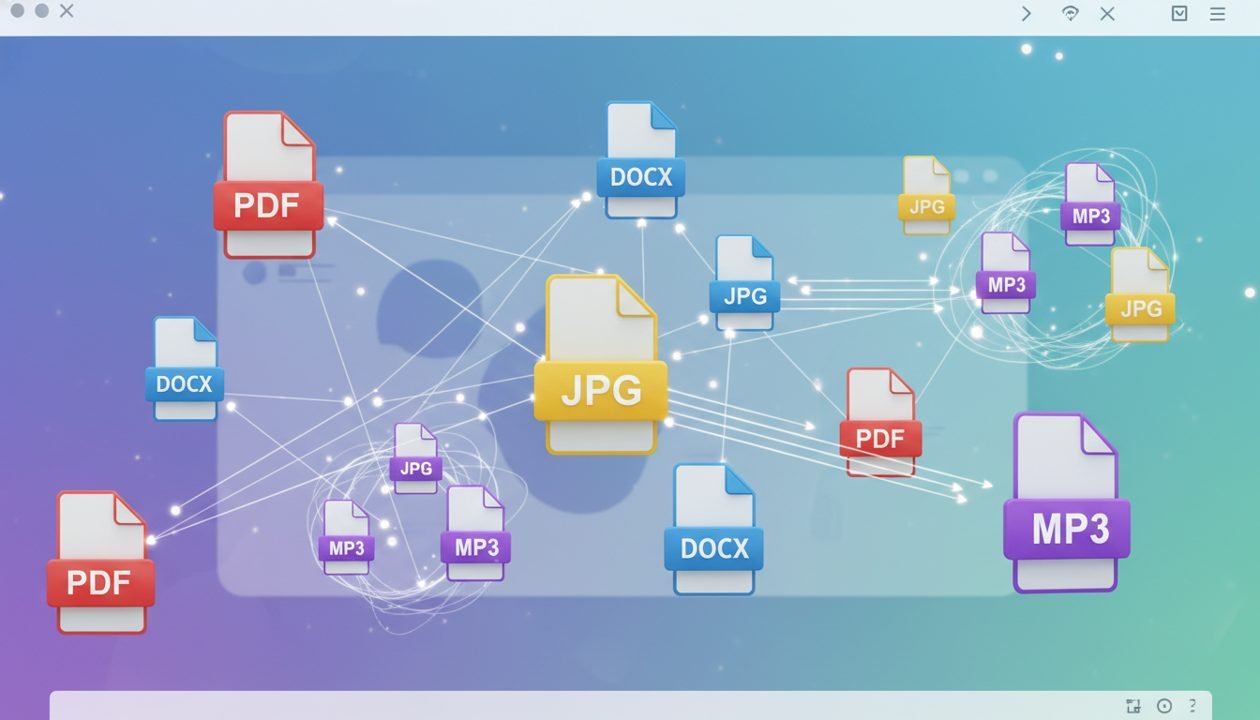
General-purpose conversion websites are often the first port of call. Services like CloudConvert and Zamzar stand out for their extensive support for a vast array of file types, ranging from documents (DOCX to PDF, ODT to EPUB) and images (JPG to PNG, HEIC to JPG) to audio (MP3 to WAV, FLAC to AAC) and video (MP4 to MOV, AVI to WebM). These platforms typically operate on a simple three-step process: upload your file, select the desired output format, and download the converted result. Many offer a generous free tier with limitations on file size or daily conversions, making them perfect for occasional use.
When choosing a converter, consider not just the breadth of formats but also the quality of the conversion, the speed of processing, and, crucially, the privacy policy. Reputable converters prioritize user data security and often delete uploaded files after a short period. Some even offer advanced options, such as adjusting video bitrate, image quality, or document compression settings, giving you more control over the final output. For specialized tasks, you might find dedicated converters, such as those specifically for CAD files, e-books, or archives, which can sometimes offer superior results for their niche. Always check reviews and privacy statements before uploading sensitive data.
Mastering the PDF: Cleaning, Editing, and Enhancing Documents
The Portable Document Format (PDF) is ubiquitous in professional and personal life, serving as a reliable standard for sharing documents while preserving their original formatting. However, working with PDFs can sometimes be challenging, especially when you need to make edits, combine multiple files, or reduce their size. A suite of powerful online tools has emerged to make PDF management surprisingly simple and efficient.
Websites like iLovePDF, Smallpdf, and PDF24 Tools are comprehensive hubs for all things PDF. They offer an impressive array of functionalities that go far beyond basic viewing. These platforms allow you to:
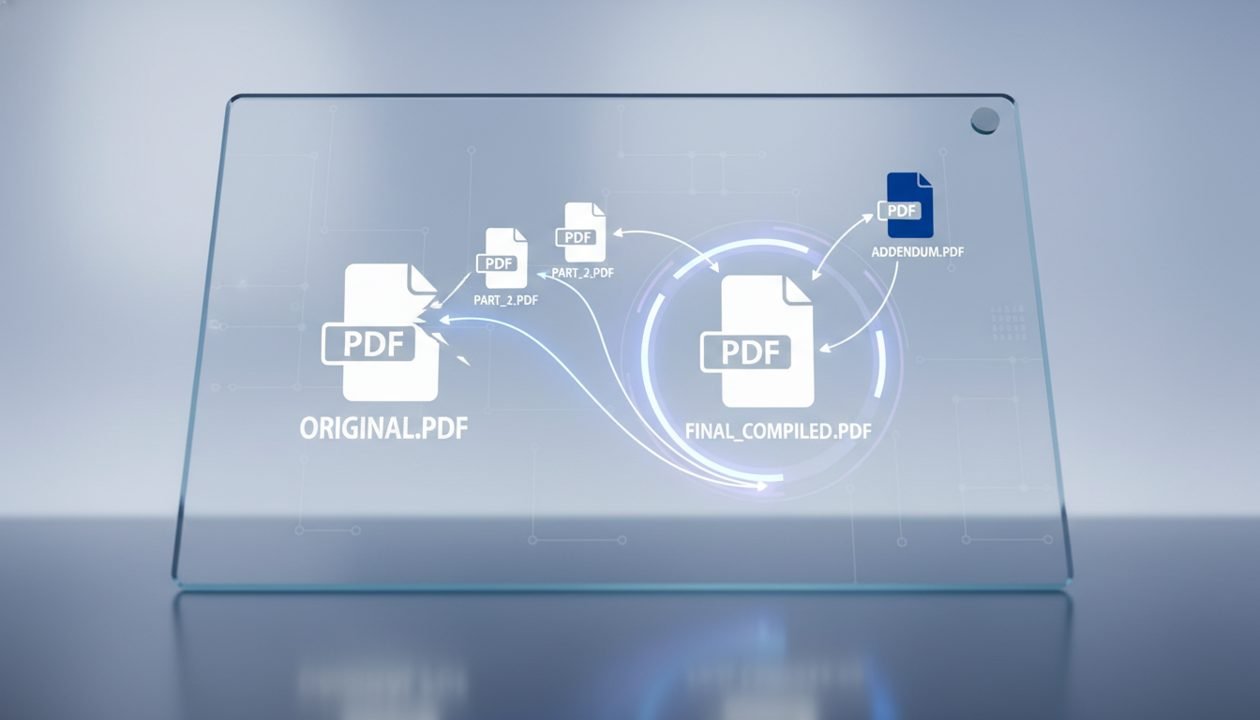
- Merge PDFs: Combine multiple PDF documents into a single file, perfect for compiling reports or presentations.
- Split PDFs: Extract specific pages or ranges of pages from a larger PDF, ideal for sharing only relevant sections.
- Compress PDFs: Reduce the file size of PDFs without significant loss of quality, making them easier to email or upload.
- Convert to/from PDF: Seamlessly transform PDFs into editable formats like Word, Excel, or PowerPoint, and vice-versa.
- Edit PDFs: Add text, images, shapes, or highlight sections directly within your browser.
- Rotate and Organize: Reorient pages, delete unwanted pages, or reorder them within a document.
- Protect and Unlock: Add password protection to sensitive PDFs or remove existing passwords (if you know them).
- Watermark PDFs: Add custom text or image watermarks for branding or security.
- OCR PDFs: Convert scanned documents into searchable and editable text.
- Sign PDFs: Electronically sign documents, adding a layer of authenticity and convenience.
These tools are invaluable for students, professionals, and anyone who regularly interacts with digital documents. They eliminate the need for expensive desktop software for most common PDF tasks. Many offer intuitive drag-and-drop interfaces, making the process quick and user-friendly. Always ensure you’re using a reputable service, especially when handling sensitive information, as files are temporarily uploaded to their servers for processing.
Compressing and Optimizing Media Files: Efficiency Without Compromise
Large media files—high-resolution images, lengthy videos, and uncompressed audio—can quickly consume storage space, slow down websites, and make sharing a cumbersome process. Optimizing these files is crucial for efficiency, especially in web development, content creation, or simply when sending a vacation video to family. Online compression tools offer a smart way to reduce file sizes without sacrificing too much quality.
For images, services like TinyPNG (which also supports JPG) and Squoosh (from Google) are industry favorites. TinyPNG uses smart lossy compression techniques to reduce the file size of PNG and JPEG images. The results are often visually indistinguishable from the original, yet the file size can be drastically smaller. Squoosh offers more granular control, allowing you to compare different compression algorithms and adjust settings like quality, resize dimensions, and color palette, giving you precise control over the output. These tools are indispensable for web designers, bloggers, and anyone looking to speed up their website or make image uploads more manageable.
Video compression is a more complex task, but several online platforms can help. While desktop applications like HandBrake offer the most control for serious video editors, online alternatives like Clipchamp (now part of Microsoft) or various dedicated video compressor websites can reduce file sizes by adjusting resolution, bitrate, and format. For audio, tools like Online Audio Converter can compress files to smaller formats like MP3 or AAC, ideal for podcasts or mobile use. When compressing media, it’s a balance between file size and acceptable quality loss; always preview the output before finalizing.
Comparing Digital Files: Spotting the Subtle Differences
In many professional and academic contexts, identifying changes between two versions of a document or image is critical. Whether it’s tracking revisions in a legal contract, comparing code files, or spotting alterations in design mockups, manual comparison is tedious and error-prone. Online file comparison tools automate this process, highlighting discrepancies quickly and accurately.
For text documents, services often referred to as ‘diff tools’ are invaluable. Websites like DiffChecker or Online-Diff allow you to paste two blocks of text or upload two documents (e.g., Word, PDF) and instantly visualize the differences. Added text is typically highlighted in green, deleted text in red, and modified sections in blue. This functionality is essential for:
- Reviewing legal documents and contracts for unauthorized changes.
- Comparing different versions of academic papers or reports.
- Identifying code changes between software iterations.
- Ensuring consistency across multiple content drafts.
Image comparison tools, though less common as dedicated web services, are also emerging. Some specialized platforms or even features within design tools allow for visual diffs, overlaying two images to highlight pixel-level differences. This can be useful for quality assurance in graphic design or detecting subtle alterations in photographs. When using these tools, always ensure the service handles your data securely, especially for sensitive documents.
Extracting and Archiving: Managing Compressed Collections
Compressed archive files like ZIP, RAR, and 7z are fundamental for bundling multiple files into a single, smaller package, making them easier to store, transfer, and share. However, accessing the contents of these archives often requires specific software. Online extractors provide a convenient, browser-based solution for managing these compressed collections without needing to install anything.
Websites such as Unzip-Online, B1 Online Archiver, and various general-purpose file managers (some converters also offer extraction) allow you to upload an archive file and instantly browse or extract its contents. This is particularly useful when you receive an unfamiliar archive format or are working on a public computer where you cannot install software. The benefits of using online archiving and extraction tools include:
- Instant Access: Quickly view or download individual files from an archive without full extraction.
- Format Versatility: Support for a wide range of archive formats, including less common ones.
- No Software Required: Perform tasks directly in your browser, saving disk space and installation time.
- Temporary Solutions: Ideal for one-off tasks or when dealing with archives on the go.
Some advanced online tools even allow you to create new archives, offering options to password-protect them or choose different compression levels. Always be mindful of file size limits and privacy policies when uploading archives, especially if they contain sensitive information. These tools are a lifesaver for anyone who frequently deals with bundled files but prefers a lightweight, web-based approach.

Cleaning and Sanitizing Documents: Beyond the Surface
Digital documents often carry more than just their visible content. Hidden metadata, formatting inconsistencies, and embedded objects can bloat file sizes, reveal sensitive information, or simply make documents look unprofessional. Online tools can help you clean and sanitize your files, ensuring they are lean, consistent, and free of unwanted data.
One crucial aspect of document cleaning is metadata removal. Metadata can include author names, creation dates, revision history, and even GPS coordinates for photos. Before sharing documents publicly or professionally, it’s wise to strip this information. Many PDF tools offer metadata removal, and dedicated online services can do the same for Word documents or images. This protects your privacy and prevents accidental information leakage.
Another common task is formatting cleanup. Copy-pasting text from various sources often introduces inconsistent fonts, sizes, and styles. Online text editors or specialized ‘clean text’ tools can strip all formatting, leaving you with plain text that you can then reformat consistently. For scanned documents, Optical Character Recognition (OCR) tools are invaluable. They convert images of text into editable and searchable text, making old paper documents digitally accessible.
A typical workflow for sanitizing a document might involve:
- Convert to a neutral format: If starting with a complex format, convert to PDF or plain text first.
- Remove Metadata: Use a dedicated tool to strip all hidden information.
- Clean Formatting: Paste content into a plain text editor or use a ‘clean text’ tool to remove unwanted styles.
- Run OCR (if needed): For scanned documents, convert image text to editable text.
- Check for Hidden Objects: Ensure no embedded objects or comments remain that shouldn’t be there.
- Final Review: Carefully read through the document to ensure content integrity and desired presentation.
By regularly cleaning your documents, you maintain professionalism, reduce file sizes, and safeguard your digital footprint.
Securing Your Digital Assets: Privacy and Protection
In an era of increasing cyber threats and data breaches, securing your digital files is paramount. Whether it’s personal photos, financial records, or confidential business documents, protecting them from unauthorized access is non-negotiable. Fortunately, a range of online tools can bolster your file security, offering encryption, password protection, and secure sharing options.
Encryption is the cornerstone of digital security. While full-disk encryption is a system-level solution, online file encryption services allow you to encrypt individual files or folders before uploading them to cloud storage or sending them via email. These tools typically use strong algorithms to scramble your data, rendering it unreadable without the correct decryption key or password. Always choose services that offer end-to-end encryption and have clear privacy policies.
Password protection for documents, especially PDFs, is another simple yet effective measure. As mentioned in the PDF section, many online PDF editors allow you to add a password that restricts opening, editing, or printing. For general files, some online archiving tools enable password-protected ZIP or 7z archives. When setting passwords, always opt for strong, unique combinations.
Secure file sharing is also critical. Instead of attaching sensitive files directly to emails, consider using services that offer temporary, self-destructing links or password-protected downloads. These platforms ensure that files are only accessible for a limited time or to authorized individuals, minimizing exposure. Some even offer built-in virus scanning for uploaded files, adding an extra layer of protection.
- Encrypt Files: Use online encryptors for sensitive documents before sharing or storing.
- Password Protect: Apply strong passwords to PDFs and archives.
- Secure Sharing: Utilize temporary links or password-protected download services.
- Virus Scan: Leverage online scanners to check files for malware before opening.
- Metadata Removal: Strip sensitive metadata to prevent information leakage.
By integrating these security practices into your digital workflow, you significantly reduce the risk of your valuable information falling into the wrong hands.