







Canva
ai-digital-toolsCanva is an online design platform that helps users create social media graphics, presentations, videos, documents, brand assets, and marketing content without advanced design skills. This Canva review covers its features, pros, cons, pricing, and who should use it.
Pros
- Very easy to use, even for beginners
- Huge library of templates for social media, presentations, documents, and marketing content
- Fast drag-and-drop editor
- Great for creating blog featured images and social media graphics
- Useful Brand Kit for consistent visual identity
- Background Remover saves time for product and promotional images
- Magic Resize helps adapt one design into many formats
- Good AI design tools for faster content creation
- Supports images, videos, presentations, documents, and simple animations
- Useful for creators, bloggers, marketers, small businesses, students, and teams
Cons
- Many of the best features require a paid plan
- Free users have limited access to premium templates, assets, and advanced tools
- Designs can look similar if users rely too much on popular templates
- Not as powerful as professional tools like Adobe Photoshop or Illustrator
- Advanced brand control and collaboration features require higher plans
- AI-generated designs and content still need human review
- Can become expensive for teams depending on the plan and number of users
- Some exported designs may need extra editing for high-end professional projects
- Internet connection is usually needed for the best experience
- Beginners may overuse templates without customizing enough
What Is Canva?
Canva is an online design platform made for people who want to create professional-looking visuals without needing advanced graphic design skills. It is widely used for social media posts, presentations, posters, flyers, logos, videos, documents, ads, thumbnails, resumes, and brand materials.
The biggest reason Canva became so popular is simple: it makes design accessible. Instead of starting from a blank canvas in complex software, users can choose from templates, customize text and images, drag elements into place, and export the final design quickly.
Canva’s official Pro page describes Canva Free as always free for individuals, while Canva Pro unlocks premium tools such as Magic Resize, Brand Kit, Background Remover, premium content, templates, images, videos, graphics, audio tracks, fonts, and AI-powered tools.
For creators, marketers, small business owners, bloggers, students, and agencies, Canva is useful because it saves time. You do not need to hire a designer for every small graphic. You can create posts, banners, presentations, product images, and simple marketing materials yourself.
First Impression
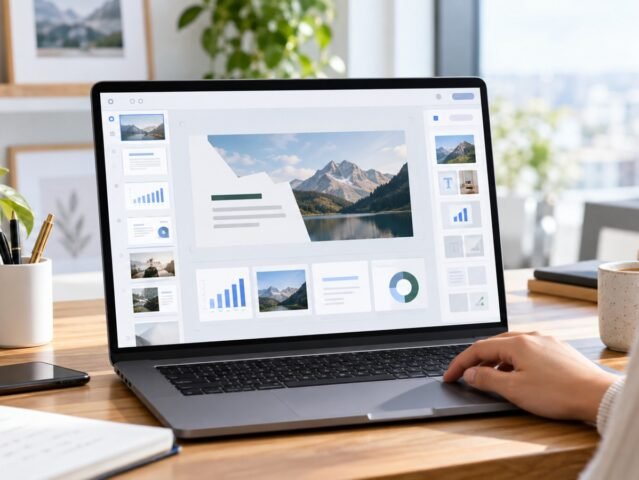
Canva feels easy from the first use. The interface is clean, visual, and beginner-friendly. You can search for a template, open it, change the text, replace the image, adjust colors, and download the result without learning professional design software.
This is where Canva is strongest. It removes the fear of design. People who are not designers can still create content that looks clean and modern. For a blog, review website, affiliate site, e-commerce page, or social media brand, Canva can become one of the most useful daily tools.
The experience is especially good for fast content production. If you need a featured image, Instagram post, Pinterest pin, YouTube thumbnail, presentation slide, PDF guide, or ad creative, Canva can help you make it quickly.
Main Features
1. Template Library
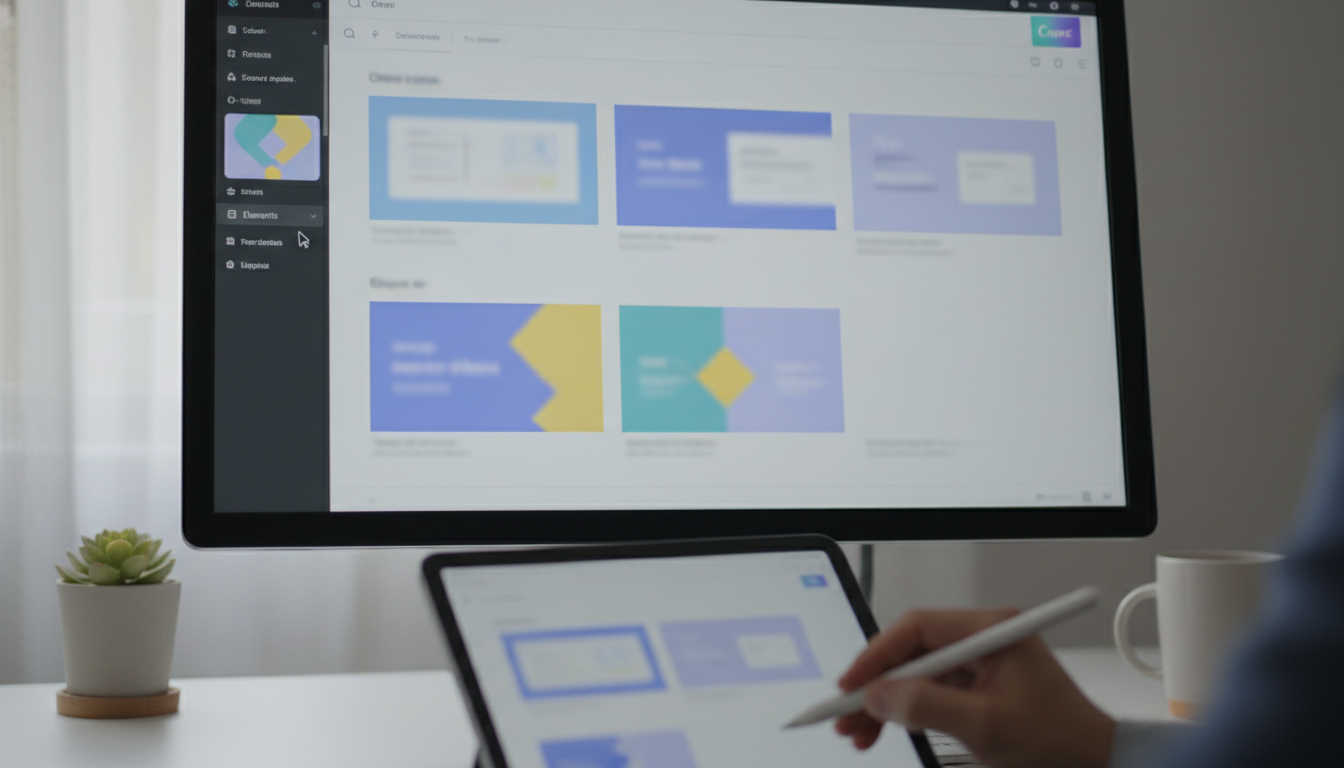
Canva offers a huge template library for many content types, including social media graphics, presentations, documents, posters, flyers, logos, videos, resumes, business cards, and more.
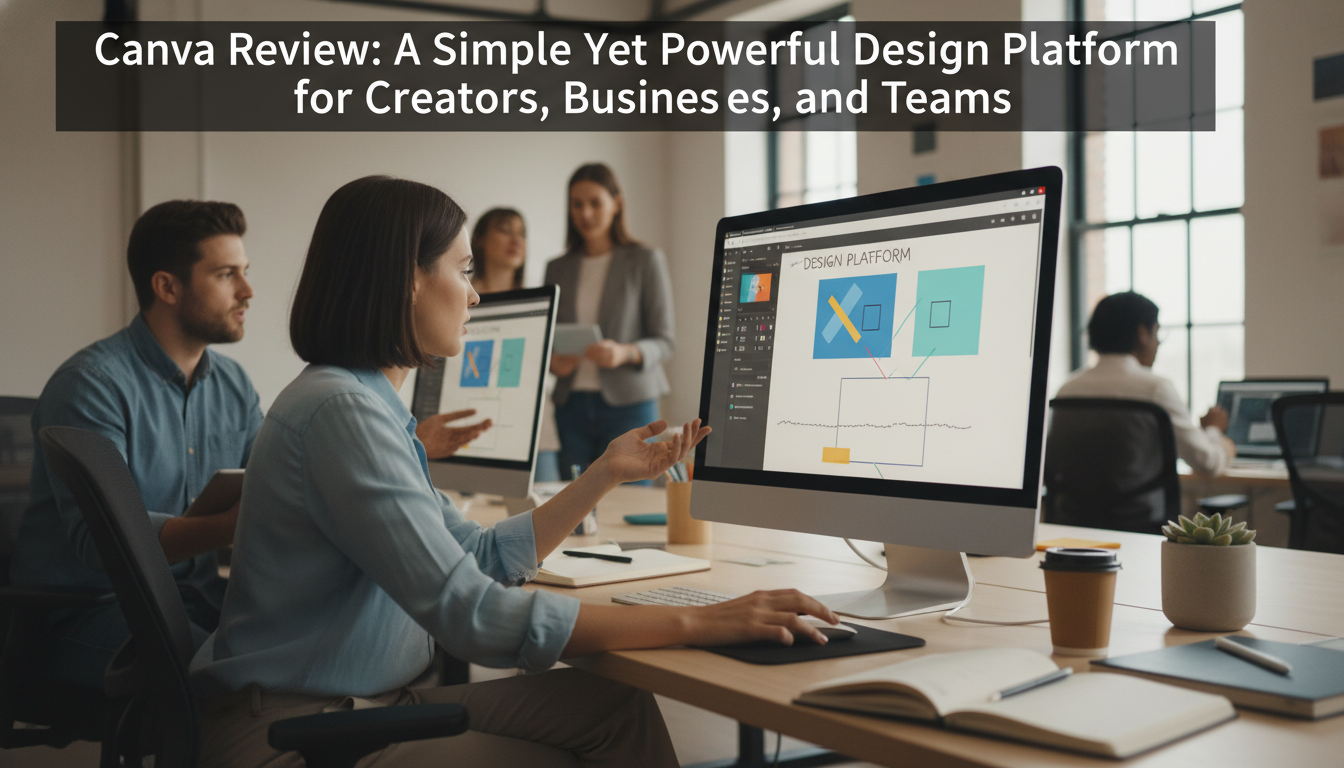
This is extremely useful for users who do not want to design from scratch. Instead of thinking about layout, spacing, and typography, you can start from a professional template and customize it to match your brand.
For content websites, Canva templates are helpful for creating featured images, blog graphics, article banners, review visuals, category images, and social media promotion assets.
2. Drag-and-Drop Editor
Canva’s editor is one of its best features. You can drag text, icons, images, shapes, stickers, videos, charts, and other elements directly onto the design.
This makes the platform simple for beginners but still flexible enough for regular content creators. You can adjust font size, color, layout, background, spacing, alignment, and effects without needing technical design knowledge.
3. Brand Kit
Canva’s Brand Kit is useful for businesses and creators who want consistent branding. You can save brand colors, logos, fonts, and design assets so every design follows the same style.
For a website like Impfinity, this is useful because you can keep your blog thumbnails, review cards, social posts, and marketing materials visually consistent.
4. Background Remover
Background Remover is one of Canva’s most practical premium tools. It allows users to remove the background from product photos, profile photos, thumbnails, and promotional graphics.
This is helpful for review posts, e-commerce content, product comparison images, and clean visual layouts. Instead of using a separate photo editing app, you can do it directly inside Canva.
5. Magic Resize
Magic Resize helps users resize one design into multiple formats. For example, you can create one design and quickly adapt it into an Instagram post, Facebook cover, Pinterest pin, YouTube thumbnail, or website banner.
This is very useful for marketers and bloggers because one piece of content often needs to be published across many platforms.
6. Canva AI Tools
Canva has been expanding heavily into AI design. Canva AI is described as a creative partner that can help users start with an idea, generate designs from text or voice, refine designs through conversation, generate elements, and keep designs aligned with brand fonts, colors, and rules.
Canva’s AI page also lists tools and capabilities such as Magic Layers, AI-Powered Elements, Canva Code, AI-Powered Templates, Style Match, 3D Content Generator, Video Generator, AI-Powered Photo Editor, Photo Generator, and Magic Background.
This makes Canva more than a basic design tool. It is becoming an AI-powered creative workspace for content creation, marketing, branding, presentations, education, and business communication.
7. Video and Presentation Tools
Canva is not only for static images. You can also create videos, animated posts, presentations, reels, short clips, and simple promotional videos.
For creators and marketers, this is useful because you can create many types of content in one place. You can design a blog graphic, then turn the same idea into a presentation slide or short social video.
8. Collaboration Features
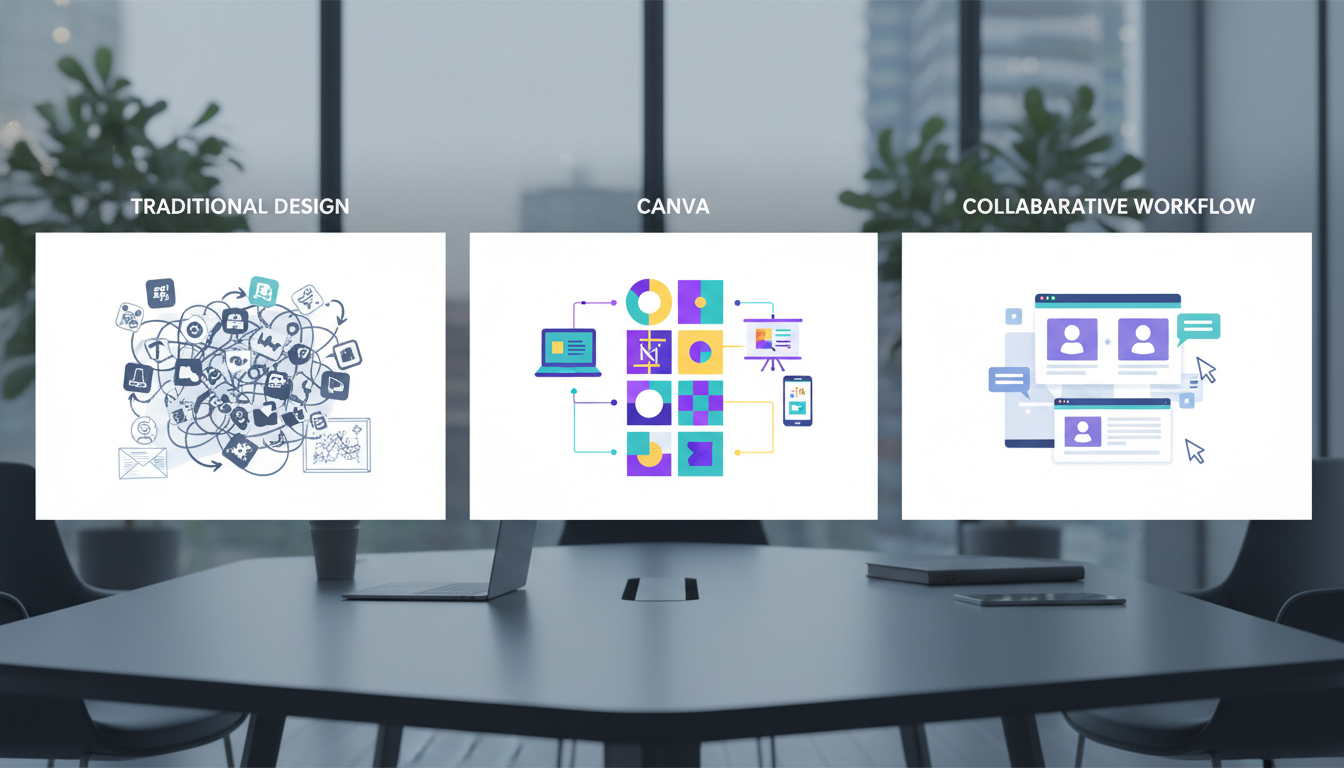
Canva is also useful for teams. Users can share designs, leave comments, work together, manage brand assets, and organize content into folders.
Canva Business is designed for individuals and growing teams, and Canva says it includes everything in Canva Pro plus higher AI usage, advanced brand controls, data connector apps, performance insights, and a shared workspace. Canva announced Canva Business at US$20 per person per month with no seat minimum, while Canva Teams is no longer available for new sign-ups or upgrades.
User Experience
Canva is one of the easiest design platforms to use. The layout is visual, the tools are simple, and the learning curve is low. Most users can create their first design within minutes.
The search function is also useful. You can search for templates, icons, images, videos, fonts, or design elements directly inside the editor. This saves time because you do not need to download assets from many different websites.
The biggest advantage is speed. Canva is not always the best tool for high-end professional design, but it is excellent when you need attractive visuals quickly.
For bloggers and review websites, Canva is especially practical. You can create:
Featured images Blog banners Product review graphics Comparison images Pinterest pins Instagram posts Facebook covers YouTube thumbnails PDF lead magnets Simple infographics Presentation slides
Pricing Overview
Canva offers a Free plan and paid plans. Canva Free is useful for basic designs, templates, and simple content creation. Canva Pro is better for individual creators who need premium content, Brand Kit, Background Remover, Magic Resize, and more AI-powered tools.
For small businesses and teams, Canva Business was launched at US$20 per person per month, with no seat minimum. Canva says it bridges the gap between Canva Pro for individuals and Canva Enterprise for large organizations.
Canva AI is available to everyone, but Canva says paid plans unlock increased usage and more advanced features.
For casual users, Canva Free is enough to start. For regular creators, marketers, bloggers, and small business owners, Canva Pro or Canva Business can be worth it because the time-saving tools are very practical.
Pros
- Very easy to use, even for beginners
- Huge library of templates for social media, presentations, documents, and marketing content
- Fast drag-and-drop editor
- Great for creating blog featured images and social media graphics
- Useful Brand Kit for consistent visual identity
- Background Remover saves time for product and promotional images
- Magic Resize helps adapt one design into many formats
- Good AI design tools for faster content creation
- Supports images, videos, presentations, documents, and simple animations
- Useful for creators, bloggers, marketers, small businesses, students, and teams
Cons
- Many of the best features require a paid plan
- Free users have limited access to premium templates, assets, and advanced tools
- Designs can look similar if users rely too much on popular templates
- Not as powerful as professional tools like Adobe Photoshop or Illustrator
- Advanced brand control and collaboration features require higher plans
- AI-generated designs and content still need human review
- Can become expensive for teams depending on the plan and number of users
- Some exported designs may need extra editing for high-end professional projects
- Internet connection is usually needed for the best experience
- Beginners may overuse templates without customizing enough
Who Should Use Canva?
Canva is a great choice for people who need to create visual content quickly and consistently. It is especially useful for:
- Bloggers
- Content creators
- Affiliate marketers
- Small business owners
- Social media managers
- Students
- Teachers
- E-commerce sellers
- YouTubers
- Agencies
- Startup founders
- Marketing teams
If you run a blog or review website, Canva can help you create a more professional appearance without hiring a designer for every post. You can use it for thumbnails, article images, social media previews, category banners, and promotional graphics.
For affiliate marketers, Canva is useful for creating comparison images, call-to-action graphics, landing page visuals, ad creatives, and downloadable PDFs.
Who Is Canva Not Best For?
Canva may not be the best option for advanced professional designers who need full control over complex editing, vector design, print production, advanced typography, or high-end photo manipulation.
It is also not ideal if you want every design to look completely custom. Because Canva has many popular templates, some designs can feel familiar if they are not customized enough.
For premium brand campaigns, complex advertising visuals, or detailed illustration work, professional design software may still be better. But for everyday content creation, Canva is one of the most practical tools available.
Final Verdict
Canva is one of the best design platforms for everyday creators, marketers, bloggers, small businesses, and teams. Its biggest strength is simplicity. You can create professional-looking visuals without learning complex design software.
It is especially useful for people who need to publish content regularly. If you manage a website, social media page, online store, YouTube channel, or small business brand, Canva can save a lot of time.
The platform is not perfect. Some premium features require payment, templates can feel overused, and advanced designers may find the editor limited compared with professional tools. But for most users, Canva offers an excellent balance of ease, speed, quality, and flexibility.