






Notion AI
ai-digital-toolsNotion AI is an AI-powered productivity assistant built into Notion, helping users write, summarize, research, manage meeting notes, search workspace knowledge, and automate work. This Notion AI review covers its features, pros, cons, pricing, and overall score out of 10.
Pros
- Built directly into Notion workspace
- Useful for writing, rewriting, summarizing, and organizing notes
- Great for meeting notes, action items, and team documentation
- Enterprise Search helps find answers across workspace knowledge and connected tools
- Research Mode can help draft reports and deeper documents
- Notion Agent can support multi-step workspace tasks
- Good for project management, knowledge bases, docs, and internal wikis
- Reduces the need to switch between separate AI tools
- Very useful for teams already using Notion every day
- Can improve productivity for creators, startups, students, and business teams
Cons
- Best value depends on already using Notion as your main workspace
- Advanced AI features may require Business, Enterprise, or Notion credits
- Not as flexible as a standalone general AI chatbot for every task
- Workspace must be organized for the best AI results
- AI outputs still need human review and fact-checking
- Can feel unnecessary for users who only use Notion for simple notes
- Some features may be too business-focused for casual users
- Pricing and AI access can be confusing depending on plan
- Not ideal for image generation or creative visual production
- Complex automations still need careful setup and monitoring
What Is Notion AI?
Notion AI is the artificial intelligence layer built directly into Notion, the popular workspace platform used for notes, documents, databases, projects, wikis, and team collaboration. Instead of using a separate AI writing tool, Notion AI works inside your existing workspace, which makes it useful for writing, summarizing, researching, organizing ideas, creating meeting notes, and finding information across your content.
The biggest advantage of Notion AI is context. If your tasks, notes, projects, documents, and internal knowledge already live inside Notion, AI becomes much more useful because it can work closer to the information you actually use every day. Notion describes its AI offering as an all-in-one AI toolkit built into the Notion workspace, with features such as AI Meeting Notes, Enterprise Search, Research Mode, and access to top AI models.
First Impression
Notion AI feels different from a normal chatbot because it is not only made for conversation. It is designed to help you work inside pages, docs, databases, meetings, and projects. This makes it especially useful for people who already use Notion as their main workspace.
If you only want a simple AI chatbot, Notion AI may not feel as flexible as tools like ChatGPT or Claude. But if you use Notion every day, it becomes very practical. You can ask it to summarize notes, rewrite messy ideas, generate action items, create project updates, draft documents, and search through connected knowledge.
For teams, Notion AI becomes even more interesting because it can reduce repeated work. Instead of manually searching through Slack, docs, meeting notes, project pages, or internal wikis, users can ask AI to help find answers and organize information.
Main Features
1. AI Writing and Editing
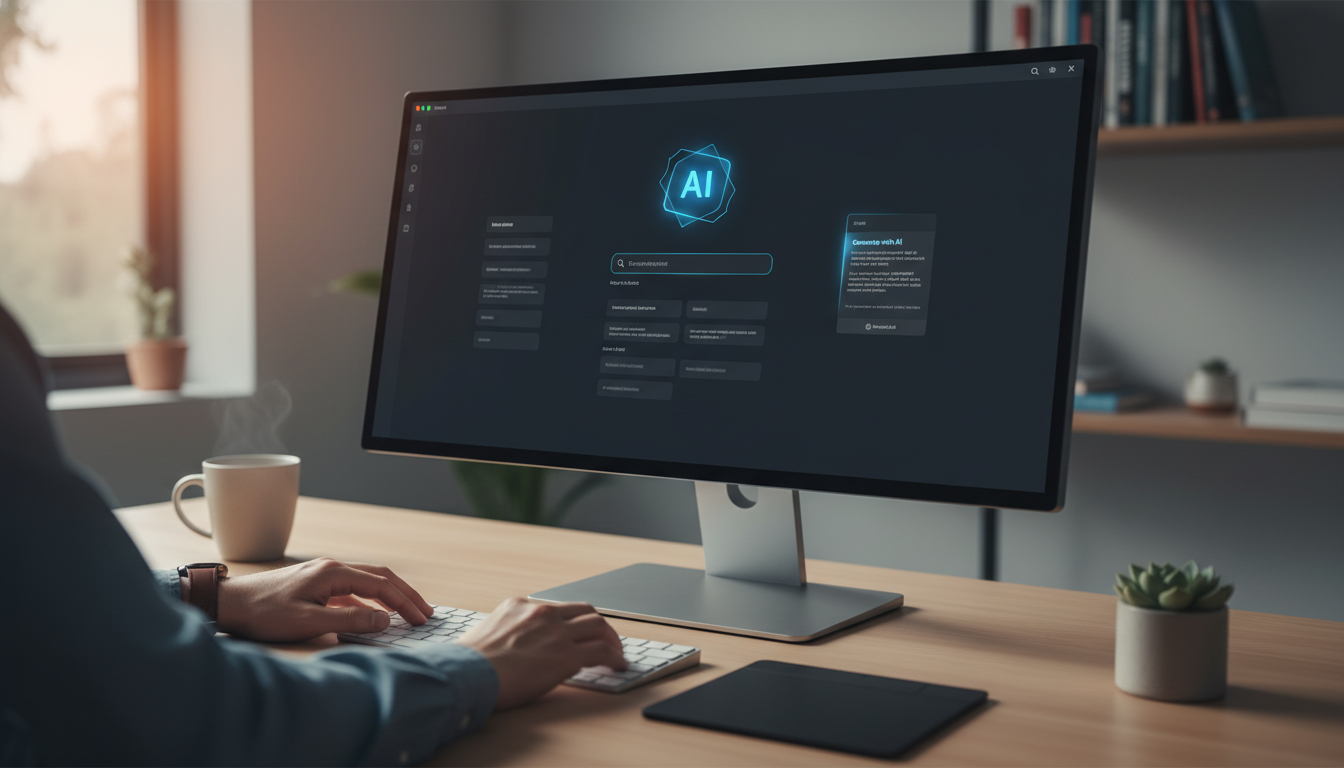
Notion AI can help write, rewrite, summarize, expand, simplify, and improve content directly inside Notion pages. This is useful for blog drafts, meeting summaries, project notes, internal documents, SOPs, brainstorming pages, and content planning.
For bloggers, creators, marketers, and startup teams, this is helpful because you can turn rough ideas into cleaner content without leaving your workspace.
2. AI Meeting Notes
AI Meeting Notes is one of Notion AI’s strongest features. Notion says it can transcribe conversations, summarize them, and surface action items inside your workspace. This is especially useful for teams that run many meetings and need clean records without manually writing everything down.
Notion also expanded AI Notes on mobile, allowing users to start AI note transcriptions from mobile and turn conversations into summaries, action items, and shareable docs.
3. Enterprise Search
Enterprise Search helps users find information across Notion and connected tools. Notion describes this feature as a way to ask questions and find answers across connected apps, reducing the need to dig through many different tools manually.
This is valuable for companies because information is often spread across many apps. If Notion AI can bring those answers together, teams can save time and reduce repeated questions.
4. Research Mode
Research Mode is designed to help users create more detailed documents and reports. Notion says Research Mode can analyze sources, use information from the web, and draft detailed docs such as project updates, research reports, and internal best-practice documents.
This makes Notion AI more useful for business research, planning, documentation, and internal knowledge work.
5. Notion Agent
Notion Agent is designed to complete more complex, multi-step tasks using context from Notion, connected apps, and the web. On Notion’s pricing page, Notion Agent is described as a feature that “does work for you” by completing complex tasks with workspace and connected-app context.
This is important because Notion AI is moving beyond simple writing assistance. It is becoming more like an AI teammate for workspace automation.
6. Custom Agents

Notion also offers Custom Agents, which are designed to handle repetitive tasks autonomously. According to Notion’s pricing page, Custom Agents are free to try and then use Notion credits.
This feature is better suited for teams and businesses that want to automate repeated workflows inside their workspace.
User Experience
Notion AI is most useful when your workspace is already organized. If your Notion pages, databases, meeting notes, and project docs are clean, AI can work with better context. But if your workspace is messy, Notion AI may still help, but the results may be less accurate or less useful.
The experience feels smooth because you do not need to copy information into another tool. You can work directly inside a Notion page, ask AI to improve text, summarize notes, draft sections, or help organize content.
For personal productivity, Notion AI is useful for daily planning, note cleanup, writing drafts, summarizing ideas, and building knowledge bases. For teams, it is more powerful because it can help with meeting notes, project updates, internal documentation, and knowledge search.
Pricing Overview
Notion offers Free, Plus, Business, and Enterprise plans. The Free plan includes a trial of Notion AI capabilities such as generating docs and autofilling databases.
Notion’s Business plan is positioned for growing businesses and includes AI-focused features such as Notion Agent, Custom Agents, and AI Meeting Notes. Notion’s pricing page also shows that AI features such as Research Mode and Notion Agent may be available as limited trials on lower plans, while more advanced AI use is tied to higher plans or credits.
In simple terms, Notion AI is useful to try on lower plans, but users who want serious AI usage for work will likely get the most value from Business or Enterprise plans.
Pros
- Built directly into Notion workspace
- Useful for writing, rewriting, summarizing, and organizing notes
- Great for meeting notes, action items, and team documentation
- Enterprise Search helps find answers across workspace knowledge and connected tools
- Research Mode can help draft reports and deeper documents
- Notion Agent can support multi-step workspace tasks
- Good for project management, knowledge bases, docs, and internal wikis
- Reduces the need to switch between separate AI tools
- Very useful for teams already using Notion every day
- Can improve productivity for creators, startups, students, and business teams
Cons
- Best value depends on already using Notion as your main workspace
- Advanced AI features may require Business, Enterprise, or Notion credits
- Not as flexible as a standalone general AI chatbot for every task
- Workspace must be organized for the best AI results
- AI outputs still need human review and fact-checking
- Can feel unnecessary for users who only use Notion for simple notes
- Some features may be too business-focused for casual users
- Pricing and AI access can be confusing depending on plan
- Not ideal for image generation or creative visual production
- Complex automations still need careful setup and monitoring
Who Should Use Notion AI?
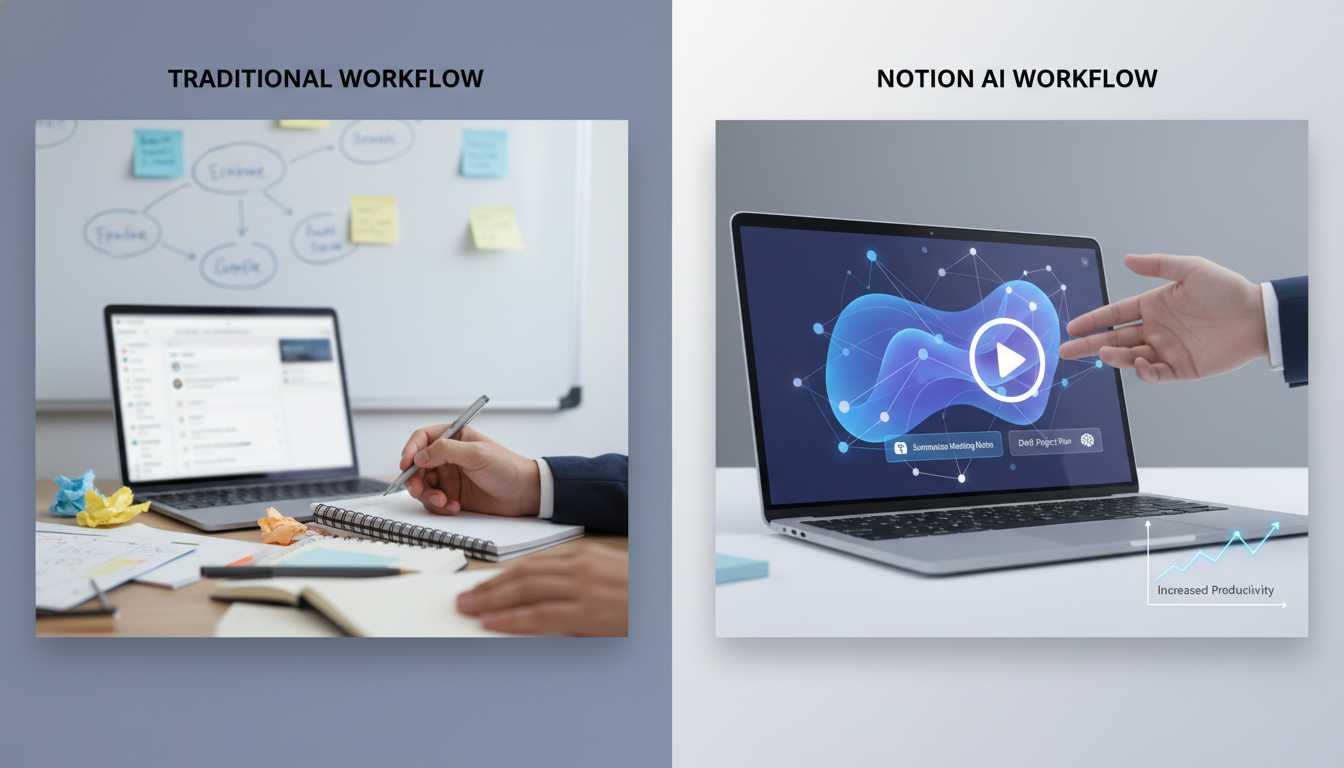
Notion AI is best for people and teams that already use Notion regularly. It is especially suitable for:
- Startup founders
- Product managers
- Content creators
- Students
- Researchers
- Marketing teams
- Remote teams
- Project managers
- Operations teams
- Agencies
- Knowledge workers
- Businesses using Notion as an internal wiki
If you use Notion for content planning, project management, documentation, meeting notes, or team knowledge, Notion AI can save a lot of time. It helps turn Notion from a passive workspace into a more active assistant.
Who Is Notion AI Not Best For?
Notion AI may not be the best choice if you do not already use Notion. If your work happens mostly in Google Docs, Microsoft Office, Slack, or another project management system, you may not get the full value unless you are willing to move more of your workflow into Notion.
It is also not the best option if you mainly need image generation, video generation, or a general AI assistant for broad everyday questions. Notion AI is strongest when used for workspace productivity, notes, docs, meetings, projects, and knowledge management.
Final Verdict
Notion AI is a strong productivity tool because it brings AI directly into the place where many users already manage their work. Its biggest strength is not only writing; it is the ability to work with notes, meetings, documents, projects, and internal knowledge.
For individuals, Notion AI is useful for writing, planning, summarizing, and organizing ideas. For teams, it becomes more powerful through AI Meeting Notes, Enterprise Search, Research Mode, Notion Agent, and connected workspace knowledge.
However, Notion AI is not perfect. It works best when your Notion workspace is already well organized, and advanced features may require higher plans or credits. It is also not a full replacement for general AI chatbots, creative design tools, or human judgment.


