In our hyper-connected world, information travels at the speed of light. A single click can share a news story, a statistic, or an image with hundreds, thousands, or even millions of people. While this connectivity offers incredible benefits, it also presents a significant challenge: the rapid spread of unverified or misleading information. Before you hit that share button, or cite a piece of information, taking a moment to check its veracity isn’t just a good practice; it’s a responsibility.
This guide is designed to equip you with practical tools and workflows to become a more discerning consumer and sharer of information. We’ll explore a range of useful websites and strategies to help you scrutinize sources, understand context, verify visuals, and dig into data, ensuring that what you propagate is accurate and reliable.
The Foundation: Checking the Source and Its Credibility
The first and often most critical step in verifying any claim is to look at its origin. Who is making this claim? What is their agenda? Are they a reputable authority on the subject? A quick glance at a website’s URL or a social media handle is rarely enough. You need to dig deeper.
Investigating the Publisher or Author
Start by examining the website itself. Look for an "About Us" page, a "Mission Statement," or "Editorial Standards." These sections can reveal a lot about the organization’s purpose, funding, and potential biases. Be wary of sites that lack clear contact information, an editorial policy, or a transparent funding model.
If an individual author is credited, a quick search of their name can reveal their professional background, previous publications, and any affiliations that might influence their perspective. Are they an expert in the field they’re writing about? Do they have a history of promoting specific viewpoints?
Consider the domain name. While not foolproof, unusual top-level domains (like .ru or .cn for a US-focused news story) or domains that mimic legitimate news organizations (e.g., "cnn.co" instead of "cnn.com") can be red flags. Some sites are designed to look like established news outlets but are, in fact, purveyors of misinformation.
Utilizing Fact-Checking Websites
Several dedicated fact-checking organizations work tirelessly to debunk myths and verify claims. These sites often provide detailed analyses, citing their own sources and methodologies. They are an excellent starting point when you encounter a dubious claim.
- Snopes.com: One of the oldest and most well-known fact-checking sites, Snopes covers a vast array of urban legends, internet rumors, and political claims.
- PolitiFact: Specializing in U.S. political claims, PolitiFact uses its "Truth-O-Meter" to rate statements from "True" to "Pants on Fire."
- FactCheck.org: A nonpartisan consumer advocate for voters, FactCheck.org monitors the factual accuracy of what is said by major U.S. political players.
- AFP Fact Check: The Agence France-Presse’s global fact-checking network covers claims from around the world in multiple languages.
- Google Fact Check Explorer: This tool allows you to search for fact checks on specific topics or claims from various reputable fact-checking organizations.
When using these sites, remember to check their methodology and funding as well. Reputable fact-checkers are transparent about their processes and strive for impartiality.
Unpacking the Context: Beyond the Headline
A common tactic used to mislead is to present information out of its original context. A sensational headline might misrepresent the article’s content, or a quote might be cherry-picked to convey a different meaning than intended. Always seek the broader picture.
Reading Beyond the Headline
Never share an article based solely on its headline. Click through and read the entire piece. Does the body of the article support the headline’s claim? Are there nuances or caveats that the headline omits? Many misleading articles rely on readers only scanning the title.
Finding the Original Source
If an article references a study, a report, or a statement, try to find the original document. A secondary source might misinterpret or selectively quote the primary source. For academic papers, use Google Scholar or university library databases. For government reports, go directly to the official government website. For quotes, search for the full speech or interview transcript.
Cross-Referencing with Multiple Sources
A single news story, even from a reputable outlet, might not tell the whole story. Look for coverage of the same event or topic from several different news organizations, especially those with varying editorial perspectives. If a significant claim is only reported by one obscure website, it’s a major red flag.
The Timeliness Factor: When Was This Information Relevant?
Information can be perfectly accurate at one point in time but completely outdated and misleading later. An old news story or statistic, presented as current, can cause significant confusion or panic.
Checking Publication Dates
Always look for the publication or last updated date on an article or report. If a date is missing, that’s a warning sign. An article from 2010 about smartphone technology, while accurate for its time, would be irrelevant for understanding today’s market.
Using Archive Tools
Sometimes, a website might change its content, or an article might be deleted. Archive tools can help you see how a page looked at a specific point in the past, which can be crucial for understanding context or verifying changes. The Wayback Machine by Archive.org is an invaluable resource for this. Simply paste the URL, and it will show you archived versions of the page over time.
Visual Verification: Scrutinizing Images and Videos
Images and videos are powerful, but they are also easily manipulated or taken out of context. A picture said to be from a recent event might actually be years old, or a video might be edited to change its meaning.
Reverse Image Search
This is your most potent tool for verifying images. Instead of searching for text, you search using an image itself. This can reveal where else the image has appeared online, when it first appeared, and in what context.
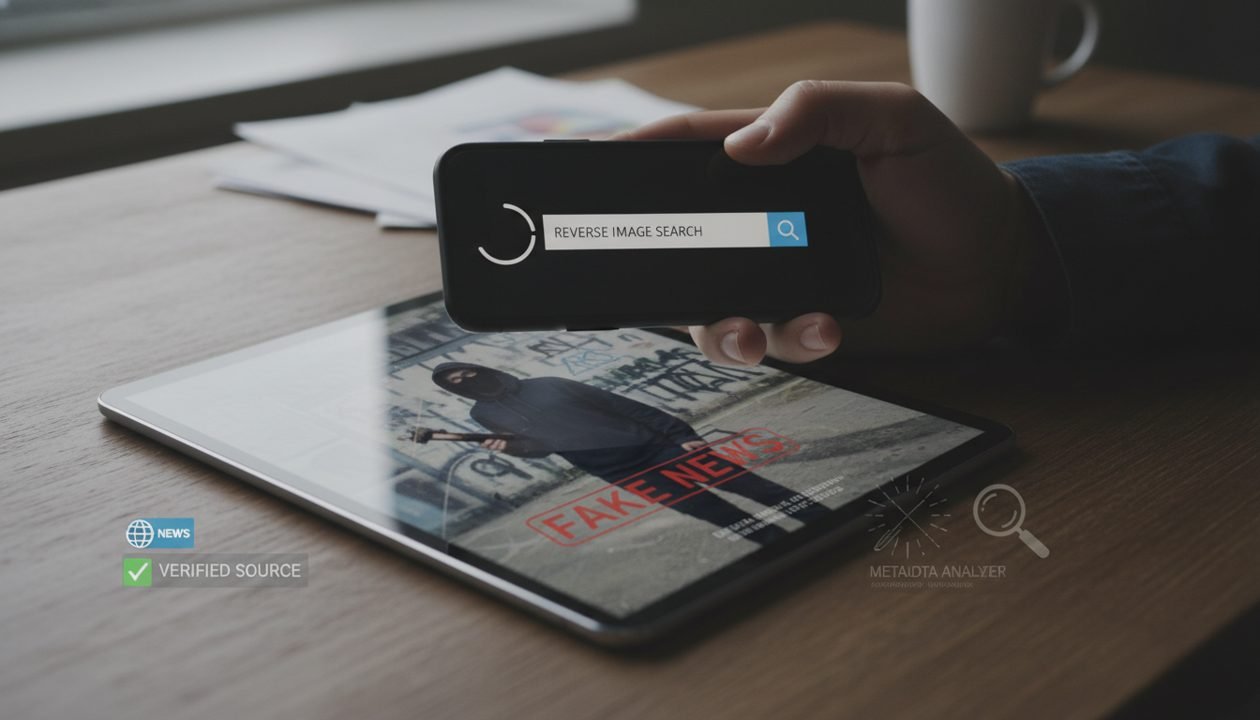
Here’s a quick workflow for reverse image searching:
- Google Images: Go to images.google.com, click the camera icon, and either upload an image or paste its URL. Google will show you visually similar images and pages where the image appears.
- TinEye: TinEye is another excellent reverse image search engine that focuses on finding exact matches and variations of an image across the web. It’s particularly good for tracking an image’s origin.
- Yandex Images: Often more effective for finding images from non-Western sources or for identifying faces and objects within an image.
Checking for Manipulation
While sophisticated manipulation can be hard to detect, some tools can help identify common alterations:
- FotoForensics: This tool uses Error Level Analysis (ELA) to highlight areas of an image that have different compression levels, which can indicate editing.
- Metadata Viewers: Tools like Jeffrey’s Image Metadata Viewer can extract EXIF data from images, which often includes information about the camera used, date and time of capture, and even GPS coordinates (though this data can be stripped or faked).
Verifying Video Content
Videos pose similar challenges to images. Look for:
- Date and Time Stamps: Check if the video’s upload date aligns with the event it purports to show.
- Geographical Clues: Look for landmarks, street signs, or unique architectural features that can be cross-referenced with satellite imagery (e.g., Google Maps Street View) to confirm the location.
- Audio Analysis: In some cases, background sounds can offer clues about the video’s authenticity or location.
Data and Statistics: Digging Deeper Than the Surface
Numbers often lend an air of authority, but statistics can be easily misrepresented, selectively presented, or simply fabricated. Always question the source and methodology behind any data you encounter.
Finding the Original Study or Report
If an article cites statistics, it should ideally link to the original study, survey, or report. Go directly to that source. Read the methodology section. Who conducted the research? Who funded it? What was the sample size? What were the limitations of the study?
Understanding Data Visualization
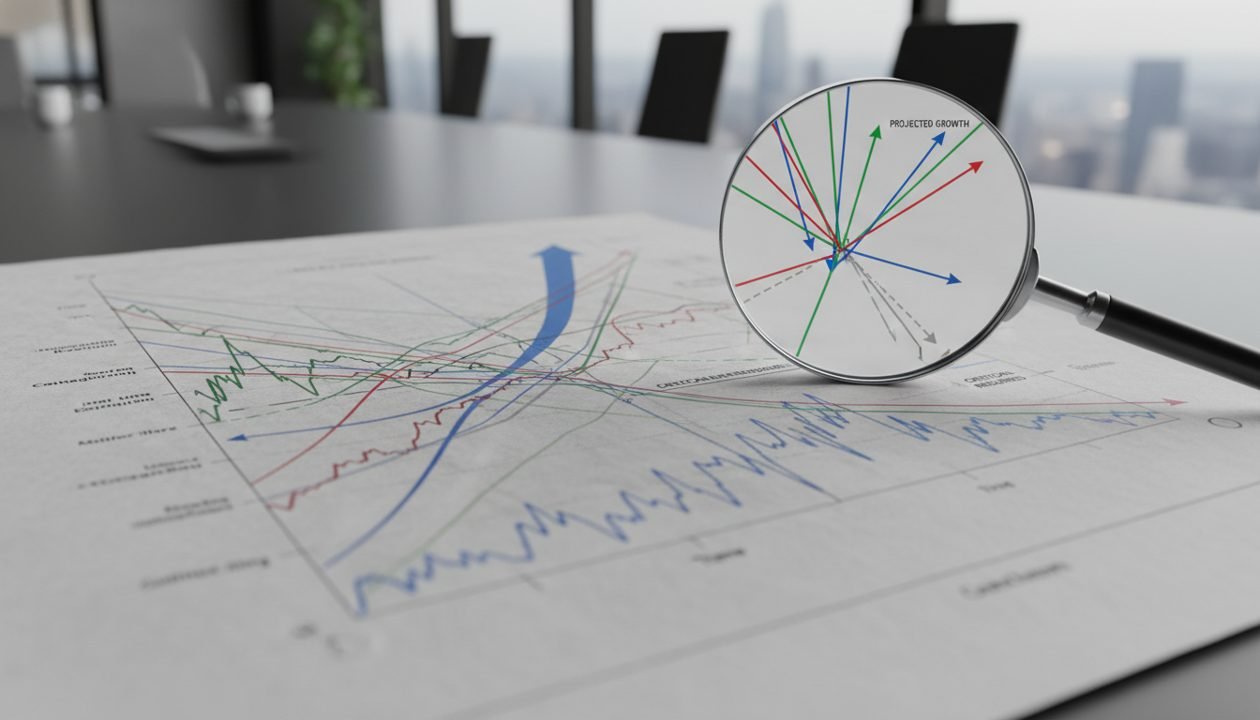
Graphs and charts can be powerful tools for conveying information, but they can also be designed to mislead. Look for:
- Axis Manipulation: Are the axes truncated or stretched to exaggerate or minimize differences? Does the Y-axis start at zero?
- Missing Data: Are there gaps in the data that might change the interpretation?
- Misleading Labels: Are the labels clear and accurate, or are they ambiguous?
Consulting Reputable Data Sources
For general statistics, rely on official government agencies, international organizations, and well-established research institutions. Examples include:
- Government Census Bureaus: For demographic and economic data.
- World Bank, International Monetary Fund (IMF), World Health Organization (WHO): For global economic, health, and development statistics.
- Pew Research Center: For social trends, public opinion, and demographic research.
- Eurostat: For statistical information about the European Union.
Summaries and Interpretations: Are They Accurate?
Even if the underlying facts are sound, how they are summarized or interpreted can drastically alter their meaning. Be wary of overly simplistic explanations or those that align too perfectly with a particular agenda.
Comparing Summaries to Original Content
If you encounter a summary of a complex topic, a book, or a scientific paper, try to find the original material. Read it yourself and compare your understanding to the summary. Does the summary accurately reflect the nuances and conclusions of the original? Or does it selectively highlight points that support a specific narrative?
Identifying Spin and Bias
Every publication and individual has a perspective. While complete objectivity is a myth, transparency about one’s biases is a hallmark of good journalism. Look for language that is emotionally charged, uses loaded terms, or presents opinions as facts. Does the article present multiple viewpoints fairly, or does it only focus on one side of an issue?
Tools like AllSides.com or Media Bias/Fact Check can help you understand the political leaning of various news outlets, allowing you to consume information with an awareness of potential biases.
Practical Workflows for Everyday Verification
Integrating these verification steps into your daily information consumption habits might seem daunting at first, but with practice, it becomes second nature. Here’s a streamlined approach:
The "S.I.F.T." Method
Developed by Mike Caulfield, the S.I.F.T. method offers a quick and effective way to evaluate information:
- Stop: Before you share, react, or even read too deeply, stop and consider if you know the source.
- Investigate the Source: What is the reputation of the website, organization, or author? What are their biases?
- Find Better Coverage: If the source is unfamiliar or questionable, look for other reputable sources covering the same information.
- Trace Claims, Quotes, and Media to the Original Context: Don’t rely on summaries or isolated snippets. Find the original source of the information.

Developing a "Verification Mindset"
Cultivate a healthy skepticism. Assume nothing is true until you’ve done at least a minimal check. Ask yourself:
- Does this claim seem too good to be true, or too outrageous to be false?
- Does it trigger a strong emotional reaction in me? (This is often a sign to pause and verify.)
- Who benefits if this information is believed?
- What evidence is provided, and is it verifiable?
Make it a habit to open a new tab and perform a quick search for "[claim] fact check" or "[website name] bias" whenever you encounter something questionable.
Conclusion: Cultivating a Mindset of Critical Inquiry
The digital age has democratized information, but with that freedom comes the responsibility to engage with it critically. By employing the websites and workflows outlined in this guide, you can move beyond passively consuming information to actively verifying it. This not only protects you from falling prey to misinformation but also contributes to a more informed, thoughtful, and truthful online environment for everyone. Becoming a more discerning digital citizen is an ongoing journey, but with these tools, you’re well on your way to navigating the information landscape with confidence and integrity.