The Modern Quest for Digital Solutions: Beyond the Obvious
The digital age, for all its wonders, often presents us with a paradox: an overwhelming abundance of choices. For every problem, it seems there are dozens, if not hundreds, of websites, applications, and services vying for our attention. From managing personal finances to learning a new skill, collaborating on projects, or simply finding a recipe, the internet holds a solution. Yet, sifting through the noise to find the right solution – one that genuinely addresses your specific need without unnecessary complexity or cost – can feel like searching for a needle in a digital haystack. This guide is designed to equip you with a practical toolkit for navigating this vast landscape. We’ll move beyond generic searches and explore methods that uncover truly useful websites and online tools, transforming your approach to digital problem-solving from a frustrating chore into an exciting journey of discovery. Our goal is to empower you to find not just a solution, but the best-fit solution for your unique challenges, fostering a more efficient, productive, and enjoyable online experience.
1. Clearly Defining the Problem: The Foundation of Effective Discovery
Before you can find a solution, you must first understand the problem. This might sound obvious, but many people jump straight into searching for “best note-taking app” or “project management software” without a clear grasp of what they truly need. A vague problem statement leads to vague search results and, ultimately, frustration.
Take a moment to articulate your problem with precision. Ask yourself:
- What specific pain point am I trying to alleviate?
- What are the exact functionalities I require from a solution?
- What existing tools or processes am I trying to replace or improve upon?
- What are my non-negotiables (e.g., privacy, cost, ease of use, integration with other tools)?
- What would success look like? How would I know if a website or tool has solved my problem?
For instance, instead of “I need to manage my tasks,” a more refined problem statement might be: “I need a web-based task manager that allows me to create recurring tasks, assign due dates, categorize tasks by project, and collaborate with one other person, ideally with a free tier or low monthly cost, and accessible from both desktop and mobile browsers.” This level of detail provides a much stronger foundation for your search, allowing you to filter out irrelevant options from the outset and focus on solutions that genuinely align with your needs. It’s about understanding the ‘why’ and ‘what’ before diving into the ‘how.’
2. Mastering Search Engines: Beyond Basic Keywords
Google, Bing, DuckDuckGo – these are our primary gateways to the internet’s vast knowledge base. However, simply typing a few keywords often yields overwhelming or irrelevant results. To truly leverage search engines, you need to become a more sophisticated searcher.
Start with long-tail keywords. Instead of “email,” try “best email client for multiple accounts and custom domains.” Instead of “recipe,” try “quick weeknight vegetarian recipes with minimal ingredients.” The more specific your query, the more targeted your results will be.
Utilize advanced search operators:
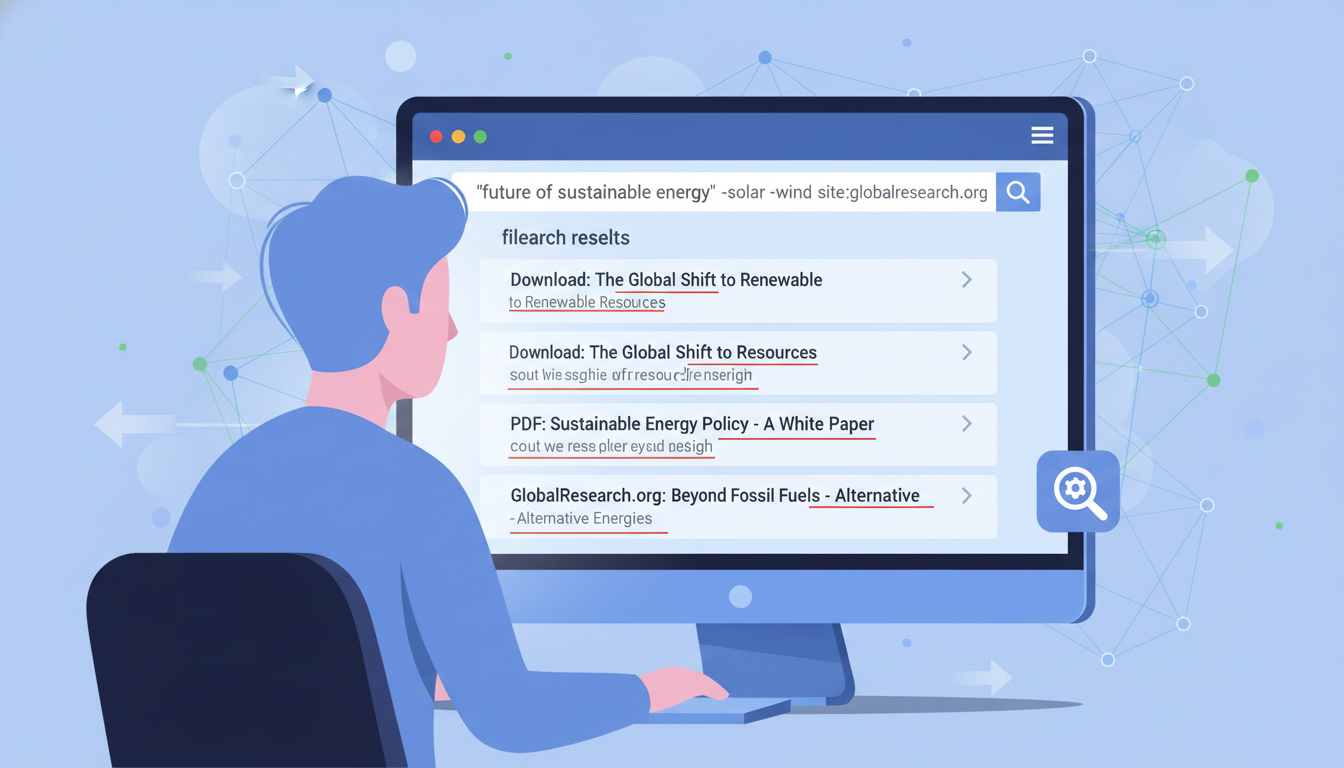
"exact phrase": Use quotes to search for an exact phrase. E.g.,"time management techniques".-exclude: Use a hyphen to exclude terms. E.g.,"project management software" -enterprise.site:domain.com: Search within a specific website. E.g.,site:reddit.com "productivity tools".intitle:keyword: Find pages with your keyword in the title. E.g.,intitle:"best free photo editor".related:website.com: Find websites similar to a known one. E.g.,related:trello.com.
Combine these operators to create powerful queries. For example, if you’re looking for a simple budgeting app but want to avoid anything too complex or expensive, you might search: "simple budgeting app" free -premium -enterprise intitle:"best budgeting apps". This approach significantly narrows down the field, presenting you with more pertinent options and saving you valuable time. Remember, the search engine is a tool; the more precisely you wield it, the better its output will be.
3. Tapping into Community Wisdom: Forums, Reddit, and Niche Groups
Sometimes, the best solutions aren’t found through algorithms but through the shared experiences of others. Online communities are treasure troves of practical advice, candid reviews, and recommendations from people who have faced similar problems.
Reddit is an excellent starting point. There are subreddits for almost every conceivable topic:
r/productivity: For tools and strategies to get things done.r/selfhosted: For those interested in running their own web services.r/webdevorr/sysadmin: For technical tools and solutions.r/AskRedditorr/findareddit: For broader questions or to find a more specific community.- Niche subreddits: Search for your hobby, profession, or specific problem (e.g.,
r/writing,r/gardening,r/personalfinance).
Beyond Reddit, consider specialized forums and Discord servers. If you’re looking for a solution related to a specific software, hardware, or industry, there’s likely a dedicated forum where users discuss tools and best practices. A quick search for “[your industry/hobby] forum” or “[specific software] community” can often lead you to these valuable hubs. Engage with these communities by asking specific questions, but also by observing discussions and noting which tools or websites are frequently recommended or praised. The collective experience of thousands of users often highlights solutions that are genuinely effective and user-friendly, cutting through marketing hype to reveal practical utility.
4. Exploring Curated Lists and Directories: Expert-Vetted Resources
While communities offer peer-to-peer advice, curated lists and directories provide a more structured approach to discovery, often compiled by experts or enthusiasts. These resources aggregate and categorize websites and tools, making it easier to browse by function, category, or even specific problem.
Key places to look include:
- Product Hunt: A platform where new products, apps, and websites are launched and discussed daily. It’s excellent for discovering cutting-edge solutions and seeing what’s gaining traction.
- AlternativeTo: If you know a popular tool but need an alternative (perhaps a free one, or one with different features), AlternativeTo is invaluable. It lists similar software and websites, often with user reviews and feature comparisons.
- Specialized Blogs and Newsletters: Many industry-specific blogs (e.g., for designers, marketers, writers, developers) regularly publish “best of” lists or reviews of tools relevant to their audience. Subscribe to a few reputable ones in your area of interest.
- Open-Source Directories: For those who value transparency and community-driven development, sites like GitHub Explore or specific open-source project directories can reveal powerful, free tools.
- SaaS Directories: Websites like G2, Capterra, or Software Advice offer extensive listings of Software-as-a-Service solutions, often with detailed filters, user reviews, and comparison features.
These platforms act as filters, presenting you with options that have already undergone some level of vetting, saving you the initial legwork of sifting through countless irrelevant search results. They are particularly useful when you have a general idea of the type of solution you need but aren’t sure which specific products exist.

5. The Power of “Reverse Engineering” and Observing Others
Sometimes, the best way to find a solution is not to search for it directly, but to observe how others have solved similar problems. This “reverse engineering” approach involves looking at successful individuals, businesses, or projects and identifying the tools and websites they utilize.
Consider:
- Competitors or Peers: What tools do successful individuals or organizations in your field use? Many professionals openly share their “tech stack” or “favorite tools” on their blogs, social media, or in interviews.
- Case Studies: Look for case studies related to your problem. Often, these studies will detail the specific software, platforms, or methodologies employed to achieve a particular outcome.
- “Behind the Scenes” Content: Many creators, developers, and businesses publish content that gives a peek into their workflows. This can reveal hidden gems that are highly effective but not widely advertised.
- Public APIs and Integrations: If you’re looking for a tool that integrates with another you already use, check the existing tool’s integration marketplace or API documentation. This can lead you to compatible solutions you might not have found otherwise.
This method is particularly effective because it focuses on solutions that are already proven in real-world scenarios. It moves beyond theoretical capabilities to practical application, giving you confidence that a discovered tool is not just functional, but genuinely useful in a context similar to your own. It’s about learning from the practical choices of those who have already navigated the path you’re on.
6. Evaluating Potential Solutions: Beyond the Hype
Once you’ve compiled a list of potential websites or tools, the next crucial step is evaluation. Not every solution is a perfect fit, and it’s important to look beyond flashy marketing to assess true utility.
Here’s a checklist for evaluating potential solutions:
- Does it directly address my defined problem? Revisit your precise problem statement. How well does this solution align?
- Is it user-friendly and intuitive? Spend some time with the interface. Is it easy to learn and use, or does it require a steep learning curve?
- What are the costs involved? Is there a free tier? What are the pricing models for paid versions? Do they fit your budget?
- What about privacy and data security? Read their privacy policy. How do they handle your data? Is it stored securely?
- Does it integrate with my existing tools? Compatibility with your current workflow can be a huge time-saver.
- Is there active development and support? Check for recent updates, a responsive support team, and an active user community. A stagnant tool might become obsolete quickly.
- What do independent reviews say? Look for reviews on platforms like G2, Capterra, or even Reddit threads, focusing on common complaints and praises.
- Can I try it before committing? Many services offer free trials or freemium models. Take advantage of these to test the waters.
This systematic approach helps you objectively compare options and make an informed decision, ensuring that the website or tool you choose truly enhances your workflow rather than adding another layer of complexity.

7. Your Actionable Blueprint for Digital Discovery
Finding the right website or tool is an ongoing process, but with a structured approach, it becomes far less daunting. Here’s a summary checklist to guide your next search:
- Define Your Problem Precisely: Before anything else, articulate exactly what you need to solve and your ideal outcome.
- Brainstorm Keywords & Queries: Think broadly and specifically about terms related to your problem and desired solution.
- Employ Advanced Search Techniques: Use operators like quotes, hyphens, and
site:to refine your search engine results. - Consult Online Communities: Post questions or observe discussions on Reddit, specialized forums, and Discord servers.
- Explore Curated Lists & Directories: Check Product Hunt, AlternativeTo, industry blogs, and SaaS directories.
- Observe and Reverse Engineer: See what tools successful peers or organizations in your field are using.
- Evaluate Systematically: Use the checklist above to assess potential solutions for fit, usability, cost, and support.
- Test and Iterate: Take advantage of trials. Don’t be afraid to try a few options before settling on the best one.
- Document Your Findings: Keep a simple record of what you tried, what worked, and what didn’t. This saves time in future searches.
Conclusion: The Ongoing Journey of Digital Empowerment
The digital world is constantly evolving, with new websites and tools emerging daily. This guide provides you with a robust framework for navigating this dynamic landscape, transforming you from a passive consumer of search results into an active, strategic discoverer. By clearly defining your needs, employing sophisticated search techniques, leveraging community wisdom, and systematically evaluating options, you can confidently find the digital solutions that truly empower you. Embrace the journey of discovery; it’s a skill that will serve you well in an increasingly interconnected world, making your digital life more efficient, productive, and ultimately, more rewarding.