





Heygen
ai-digital-toolsHeyGen is the leading AI video generation platform designed to assist users in creating visually engaging videos effortlessly. This innovative solution caters to a wide range of users, from small business owners to large corporations, enabling them to produce high-quality videos without the need for extensive technical skills or expensive production resources. By simplifying the video creation process, HeyGen empowers users to effectively communicate their messages and enhance their brand presence, without the traditional bottlenecks.
Pros
- Very easy to use
- Fast AI video generation
- Good AI avatars
- Supports multiple languages
- Excellent for marketing and training
- Saves production time
- Great for scalable content
Cons
- AI presenters still feel artificial sometimes
- Premium plans can become expensive
- Not ideal for cinematic storytelling
- Scripts need careful writing to sound natural
What Is HeyGen?
If you’ve ever wanted to create product videos, training content, social media clips, or promotional videos without appearing on camera or dealing with complicated editing software, HeyGen is a platform worth looking at.
In simple terms, HeyGen is an AI video generator that allows users to create videos using AI avatars, text-to-speech voices, scripts, and templates. Instead of filming yourself, you can choose a virtual presenter, type your script, customize the voice and layout, then export a ready-to-use video in minutes.
According to HeyGen, the platform supports AI avatars, video translation, voice cloning, multilingual content creation, and automated video generation for marketing, education, social media, and business communication.
What makes HeyGen interesting is that it doesn’t just convert text into robotic videos. It focuses on making AI-generated content accessible to non-editors and businesses that need scalable video production without traditional filming.
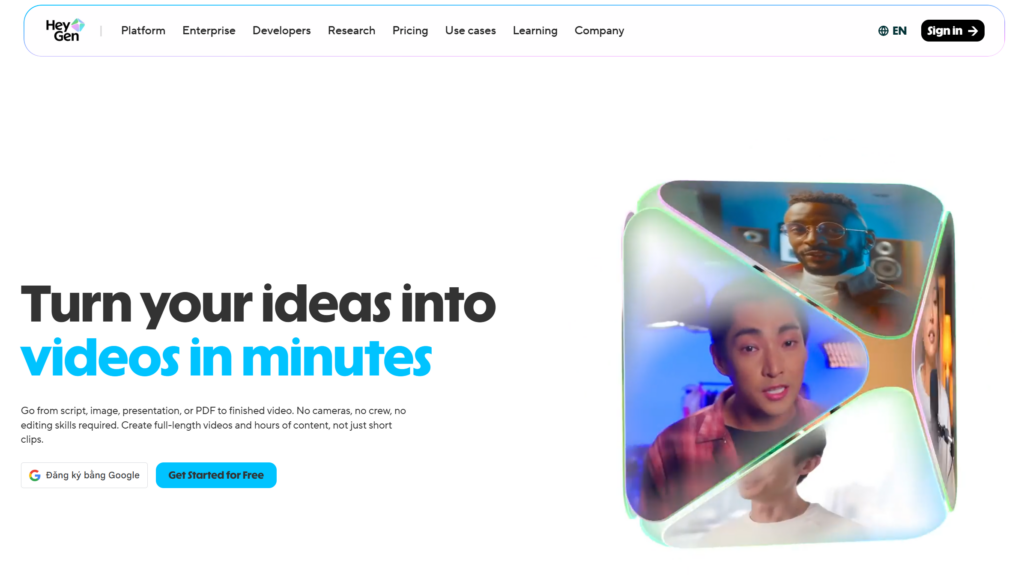
First Impressions: Surprisingly Easy to Use
One of the first things I noticed about HeyGen is how beginner-friendly it feels. You don’t need advanced video editing skills, timeline experience, or animation knowledge to create something that looks polished.
The workflow is straightforward:
- Choose a template or blank project
- Select an AI avatar
- Paste your script
- Customize voice, visuals, subtitles, and branding
- Export the final video
Compared to traditional editing software, HeyGen feels more like a productivity tool than a professional editing suite. It’s designed to help users create usable videos quickly rather than spending hours editing every detail.
For marketers, online educators, agencies, startups, and content creators, this can save an enormous amount of time.
AI Avatars and Voice Quality
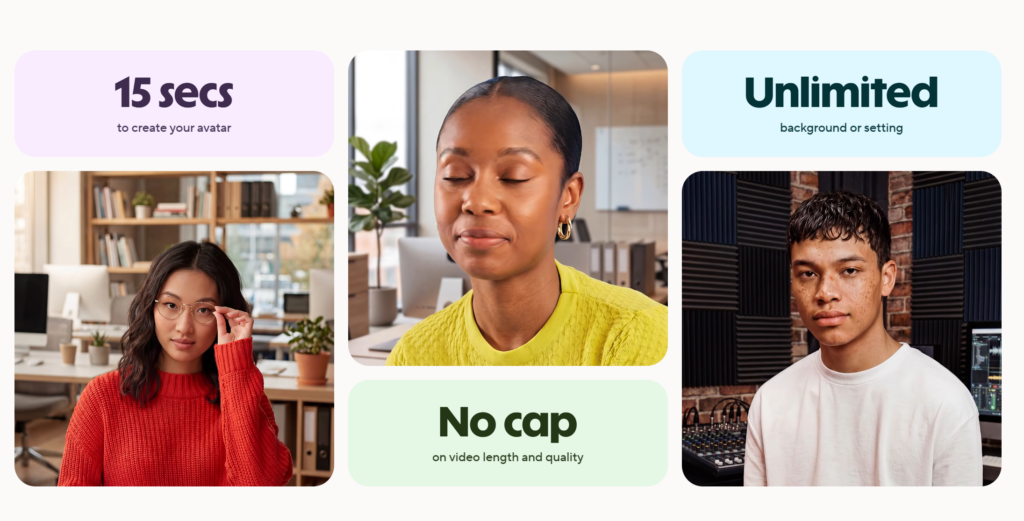
The biggest attraction of HeyGen is obviously the AI avatars. The platform currently offers a large collection of virtual presenters in different styles, languages, and industries.
According to the official avatar page from HeyGen Avatars, HeyGen supports over 175 languages and dialects while also offering voice cloning and custom avatar creation.
And honestly, the avatars are better than many older AI presenter tools.
Are they perfect? No.
If you look closely, you can still notice occasional unnatural facial expressions or lip-sync limitations. But for marketing videos, tutorials, onboarding content, explainer videos, and internal business communication, the quality is already more than acceptable.
The voice generation is also fairly natural, especially when the script is written conversationally instead of sounding overly formal.
What I Like About HeyGen
1. Fast Video Production
This is probably HeyGen’s strongest advantage.
Instead of setting up a camera, microphone, lighting, background, and editing workflow, you can simply start with a script.
For repetitive content like:
- Product explainers
- FAQ videos
- Internal training
- Social media clips
- Feature walkthroughs
- Educational videos
HeyGen dramatically reduces production time.
2. Great for Scaling Content
One underrated benefit is how easy it becomes to create multiple versions of the same video.
You can:
- Translate scripts into different languages
- Change avatars
- Swap voiceovers
- Adjust branding
- Create regional variations
Without filming again.
For businesses running international campaigns, this is incredibly useful.
3. Beginner-Friendly Interface
Unlike complex editing tools, HeyGen focuses on usability.
Even users with zero editing experience can create decent-looking videos using templates and drag-and-drop layouts.
That makes it appealing for:
- Small businesses
- Solo creators
- Marketing teams
- Course creators
- HR departments
- Agencies
4. Good Business Features
HeyGen isn’t only targeting creators. It clearly aims at business and enterprise users too.
According to the AI Video Generator page from HeyGen AI Video Generator, the platform includes:
- Brand kits
- API access
- Bulk video generation
- Team collaboration
- Custom avatars
- Enterprise support
- SSO integration
That makes it useful for companies producing large volumes of standardized video content.
Where HeyGen Still Falls Short
Even though HeyGen is impressive, it’s not a perfect replacement for real human production.
AI Avatars Still Lack Human Emotion
For informational or educational content, AI presenters work very well.
But for emotional storytelling, cinematic branding, or highly personal content, real humans still feel more authentic.
AI avatars are improving quickly, but they’re not fully replacing genuine emotional delivery yet.
Pricing Can Add Up
HeyGen offers a free plan, but it’s mostly designed for testing.
According to the official pricing page at HeyGen Pricing:
- Free plan: limited usage and short videos
- Creator plan: starts at $29/month
- Business plan: starts at $149/month
For occasional users, this may feel expensive.
But for teams producing content regularly, the cost can still be far lower than traditional video production.
Not Ideal for High-End Cinematic Content
If you’re producing:
- Commercial advertisements
- Emotional storytelling videos
- Premium brand campaigns
- Documentary-style productions
Traditional filming and editing still provide better results.
HeyGen works best for scalable, informative, and fast content production.
Who Should Use HeyGen?
HeyGen is especially useful for:
- Content creators
- Marketers
- SaaS companies
- Online educators
- Agencies
- Course creators
- Startups
- HR training teams
- Businesses producing onboarding videos
It’s particularly valuable if your workflow requires producing videos consistently and efficiently.
However, if your content relies heavily on personality, emotional authenticity, or cinematic visuals, you may still prefer real video production.
Video Quality and Output
The output quality is surprisingly good for AI-generated content.
Where HeyGen performs best:
- Explainer videos
- Product walkthroughs
- Internal training
- Social media content
- AI talking-head videos
- Educational clips
- Presentation-style videos
The platform also supports subtitles, branding, stock visuals, layouts, and multilingual content generation.
One thing I appreciate is that HeyGen isn’t trying to replace creativity entirely. Instead, it speeds up repetitive production tasks so creators can focus more on messaging and strategy.
Is HeyGen Worth the Money?
Honestly, it depends on your workflow.
If you only create one or two videos occasionally, you may not fully justify the subscription.
But if you:
- Create weekly marketing content
- Need multilingual videos
- Produce educational material
- Run social media campaigns
- Manage client content
- Need scalable video production
Then HeyGen can easily save more time and money than traditional production methods.
The value becomes clearer when you calculate the cost per finished video rather than just looking at the monthly subscription.
Quick Pros and Cons
Pros
- Very easy to use
- Fast AI video generation
- Good AI avatars
- Supports multiple languages
- Excellent for marketing and training
- Saves production time
- Great for scalable content
Cons
- AI presenters still feel artificial sometimes
- Premium plans can become expensive
- Not ideal for cinematic storytelling
- Scripts need careful writing to sound natural
Tips for Getting Better Results with HeyGen
To make HeyGen videos feel more natural:
- Write conversational scripts
- Use shorter sentences
- Add pauses and transitions
- Combine avatars with visuals, screenshots, or footage
- Avoid making the avatar speak nonstop for several minutes
The best HeyGen videos usually mix:
- AI presenters
- Product visuals
- B-roll footage
- Text highlights
- Motion graphics
Rather than relying only on a talking avatar.
Final Verdict: Is HeyGen Worth Trying?
Yes — especially if you want a faster and more scalable way to create professional-looking videos without filming yourself.
HeyGen is one of the strongest AI video platforms currently available for creators, marketers, educators, and businesses.
Its biggest strength is reducing friction in the video creation process.
You don’t need:
- Cameras
- Lighting setups
- Presenters
- Recording studios
- Advanced editing skills
You simply need a good script and a clear purpose.
That said, HeyGen works best as a productivity tool, not as a complete replacement for professional filmmaking or human creativity.
If you understand its strengths and limitations, it can become an incredibly powerful part of your content workflow.
FAQ
Is HeyGen free?
Yes. HeyGen offers a free plan with limited monthly video generation and shorter export durations.
What is HeyGen mainly used for?
HeyGen is commonly used for:
- AI avatar videos
- Marketing videos
- Product explainers
- Training content
- Educational videos
- Social media clips
- Multilingual content
Can HeyGen replace real video production?
Not entirely. It works extremely well for scalable informational content, but emotional storytelling and cinematic productions still benefit from real human filming.
Who should use HeyGen?
Creators, marketers, businesses, educators, and agencies that need fast and scalable video creation workflows.


